ApiNote guides
Use QR hive labels and apiary maps in ApiNote
Hive labels help you open the right record. Apiary maps help you understand the place around it. Both are useful planning tools, provided you know the difference between a saved location and live tracking.
Generate and use hive labels
Open an apiary and use its QR-generation action for the hives you want to label. Save the generated output, print it and attach the labels so the hive number stays readable as well as the code.
Try a label on one hive first. Check that your phone can read the print size and that the code remains legible after protection from rain. Use the scan action in ApiNote and verify the hive before adding an activity. QR tools require Pro.
Give the apiary a location
Add or edit the apiary’s position and open the apiary map. Check the pin against a place you recognise; a similarly named village or an inaccurate coordinate can be misleading.
Location-related features can send the chosen position to mapping or weather services. Use the device permission settings to control access to your current location. Entered apiary coordinates are still data you choose to store and use.
Read the flight-radius map as a planning illustration
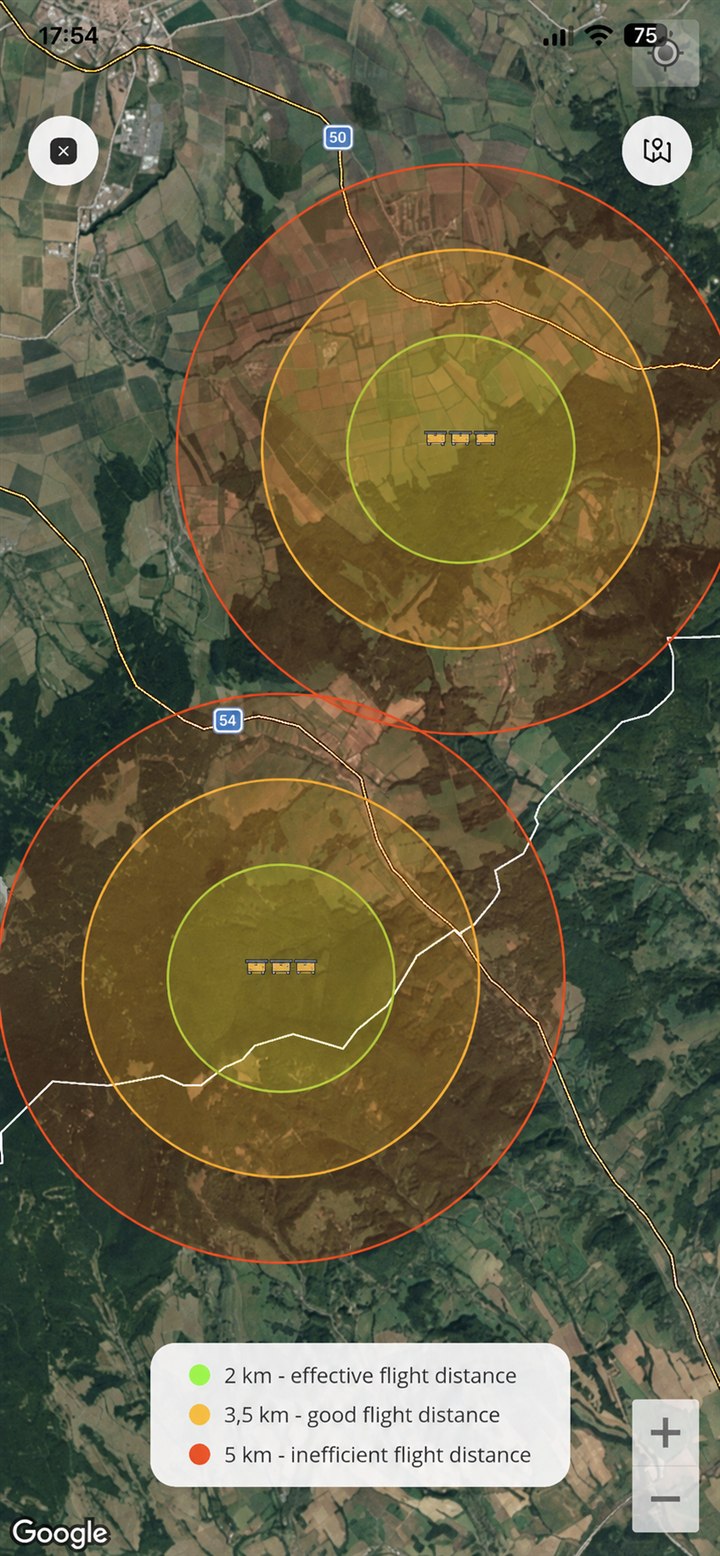
A circle around an apiary is an estimated planning range. It does not show where your bees actually flew, does not detect flowers and does not guarantee forage or a safe distance from another apiary.
Use the map alongside visits to the area and a record of bloom times, access and seasonal conditions. The useful question is “What should I investigate around this site?” rather than “Where are my bees right now?”
Check conditions before leaving
Apiary weather and flight-range maps are Pro tools. A forecast is useful context, but local wind, shade and conditions at the hive can differ. Do not treat a weather card as permission to apply a temperature-sensitive treatment.
Keep the location and access notes current when you move a site. Test printed QR labels again after changing the related records.
ApiNote · iOS & Android
Good notes make the next visit easier.
Give every colony a history you can find again. ApiNote is available for iOS and Android, free for up to five hives.
Compare Free & ProKeep exploring
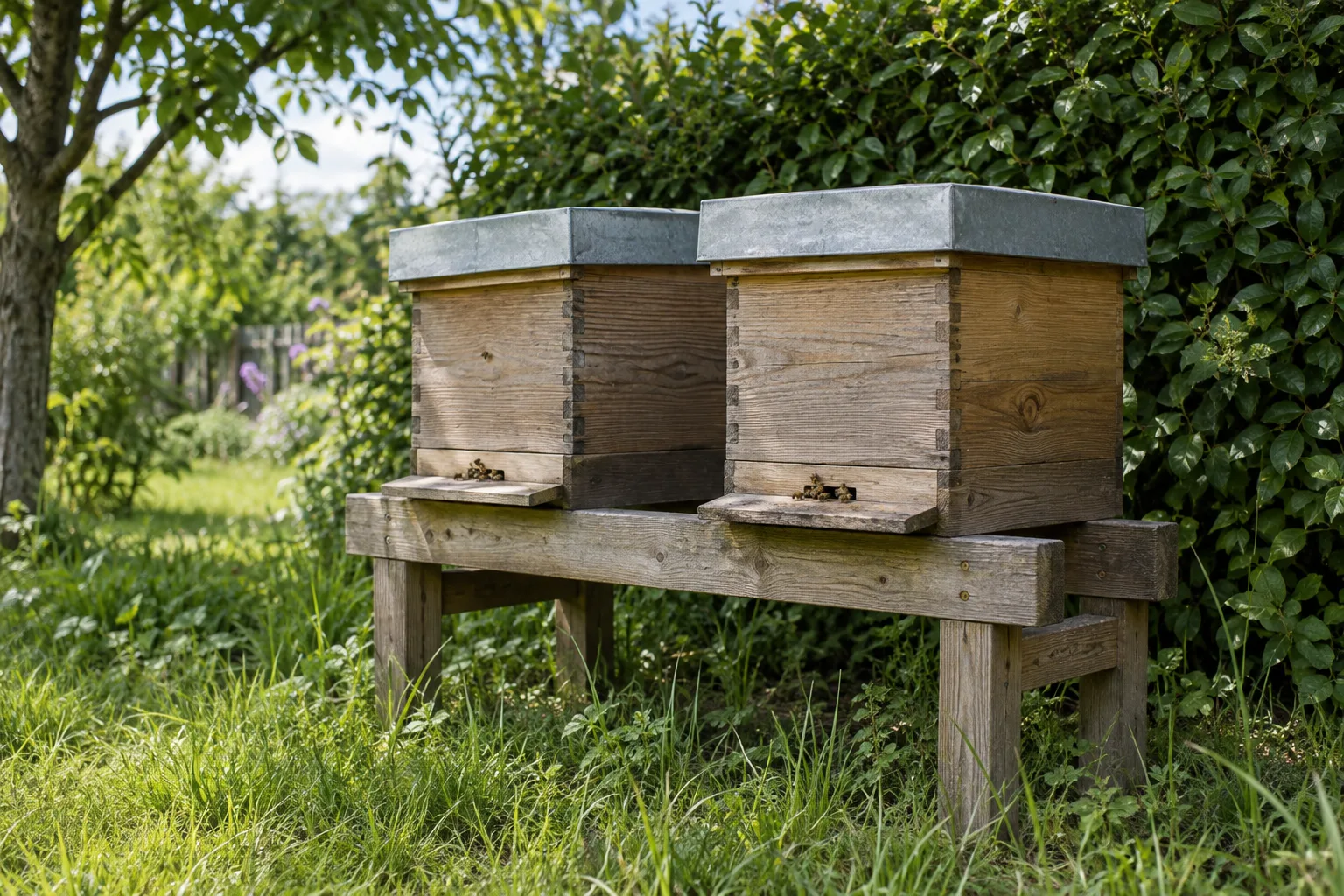
Choosing an apiary site: access, neighbours and forage
Assess an apiary location beyond the map pin: safe access, neighbours, water, shelter and seasonal forage, with practical notes to keep for future visits.
Updated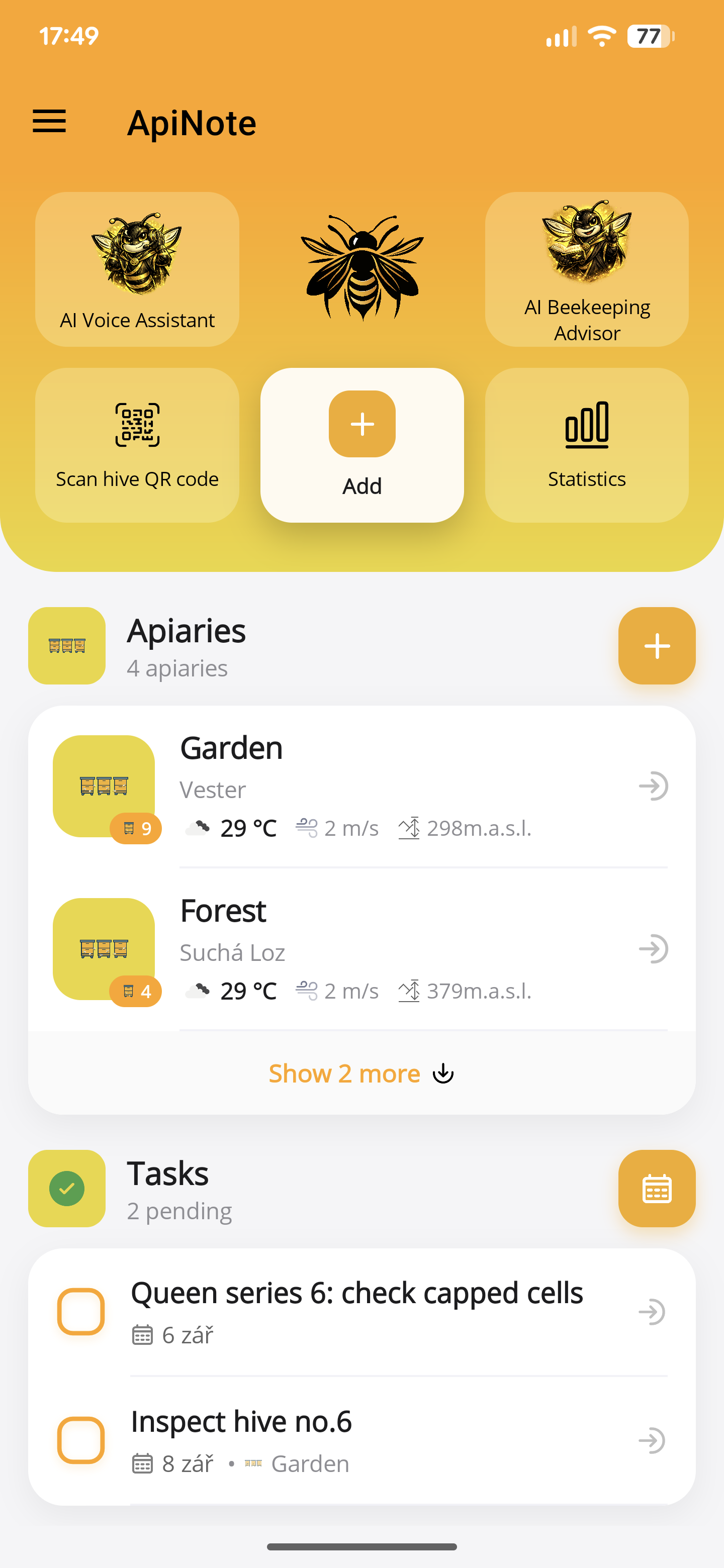
Your first apiary in ApiNote: a practical setup guide
Set up your apiary, add your first hives and save an inspection in ApiNote. A practical introduction to the free beekeeping app for iOS and Android.
Updated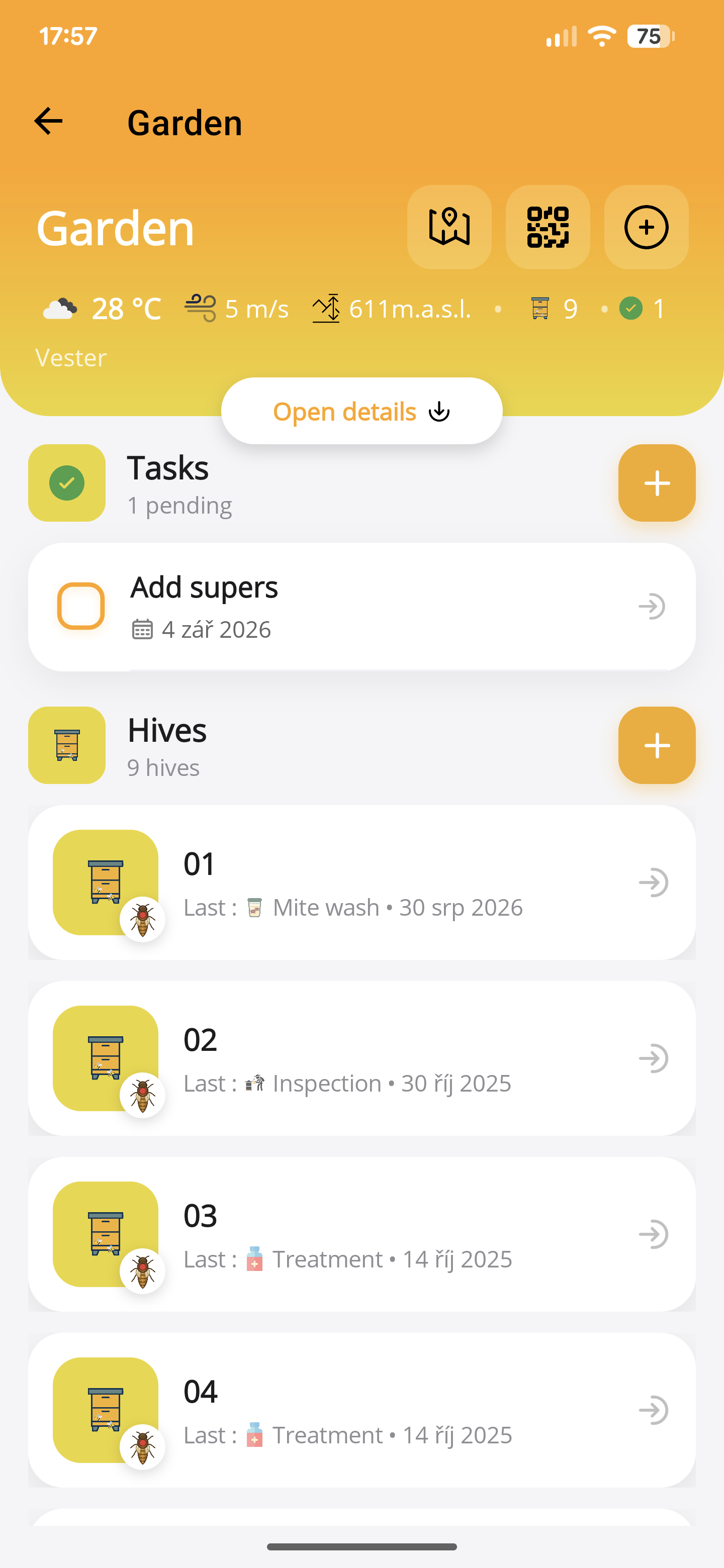
Plan an apiary visit with ApiNote tasks
Turn inspection notes into a focused apiary visit. Use hive-linked tasks, reminders, recent records and an equipment checklist to plan your work.
Updated