ApiNote guides
Your first apiary in ApiNote: a practical setup guide
Start with one real apiary and one hive. You do not need to reconstruct years of notes before ApiNote becomes useful: the next visit is enough to begin a connected history.
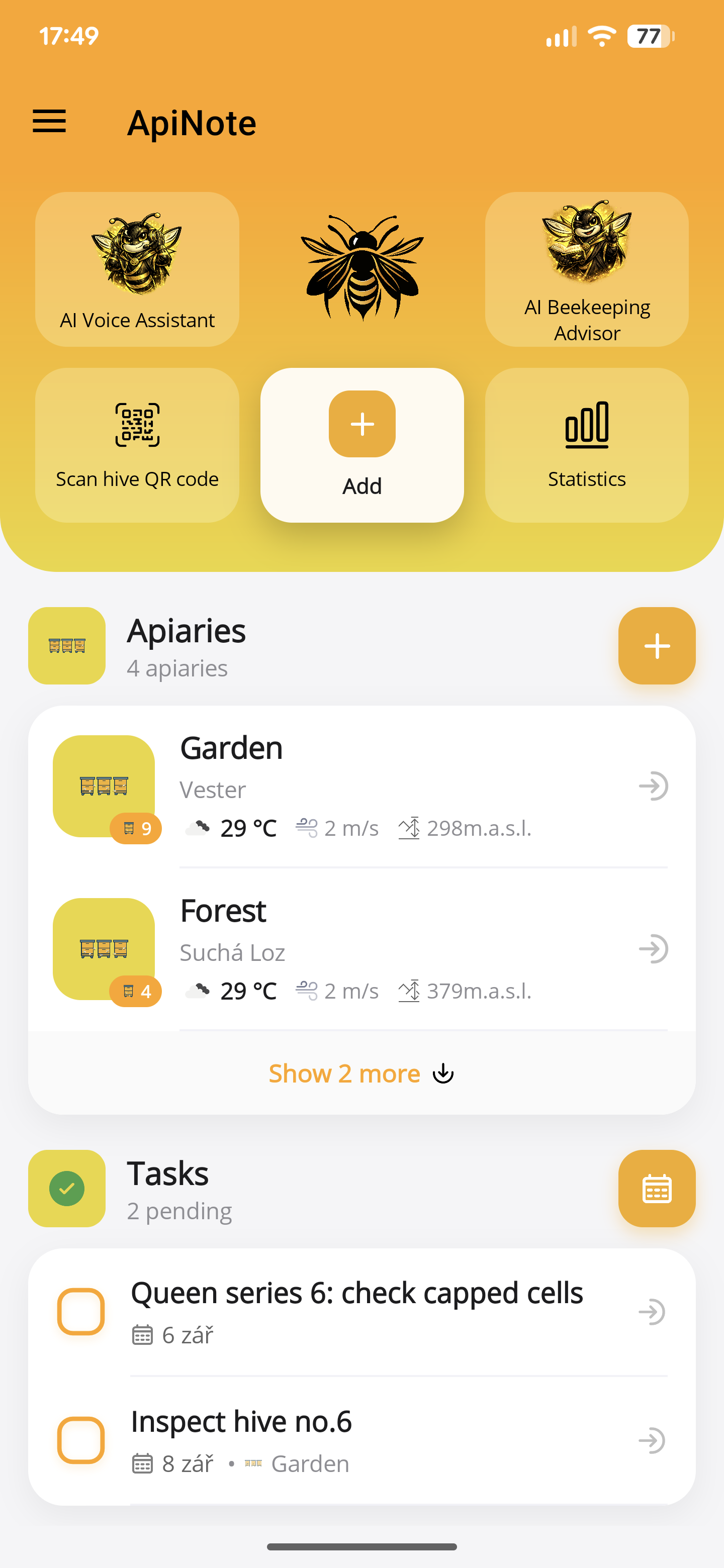
1. Give your apiary a useful name
Install ApiNote from the App Store or Google Play and sign in using an option available on your device. Create an apiary with a name you will recognise in the field, such as Orchard or North Meadow. Add its address or position if you want to use location-based tools.
An apiary is the place; a hive is the individual record within it. Keeping those two levels separate matters when you later have more than one site.
2. Match the app to the labels on your boxes
Add your hives to the apiary and use the same identifiers that are visible on the physical boxes. A memorable name is fine, but a consistent number helps when two colonies look alike.
Enter the details you already know. An uncertain queen year is better left unspecified than turned into a confident but inaccurate record. Free accounts support up to five hives; current Pro options are shown in the app.
3. Save the first useful observation
Open the hive and add an inspection. Record what you actually checked, including brood, stores, colony condition and notes where relevant. Do not copy last visit’s observations into a new visit without checking them.
Manual entry is a complete workflow. Voice inspection is an optional way to capture observations, followed by a review before saving. It is not necessary to use AI to keep a digital logbook.
4. Leave a clear next step
Add a task for work that needs another visit. Record feeding, treatment or harvest as the appropriate activity, so it remains distinguishable from an inspection note.
Before your next trip, open the hive history. The useful question is not just “What did I write?” but “What was I going to check next?”
- Use stable hive identifiers from day one.
- Record uncertainty instead of guessing.
- Keep important copies through the app’s export tools.
- Inspection photos are stored on the device; do not assume they sync with cloud records.
ApiNote · iOS & Android
Good notes make the next visit easier.
Give every colony a history you can find again. ApiNote is available for iOS and Android, free for up to five hives.
Compare Free & ProKeep exploring
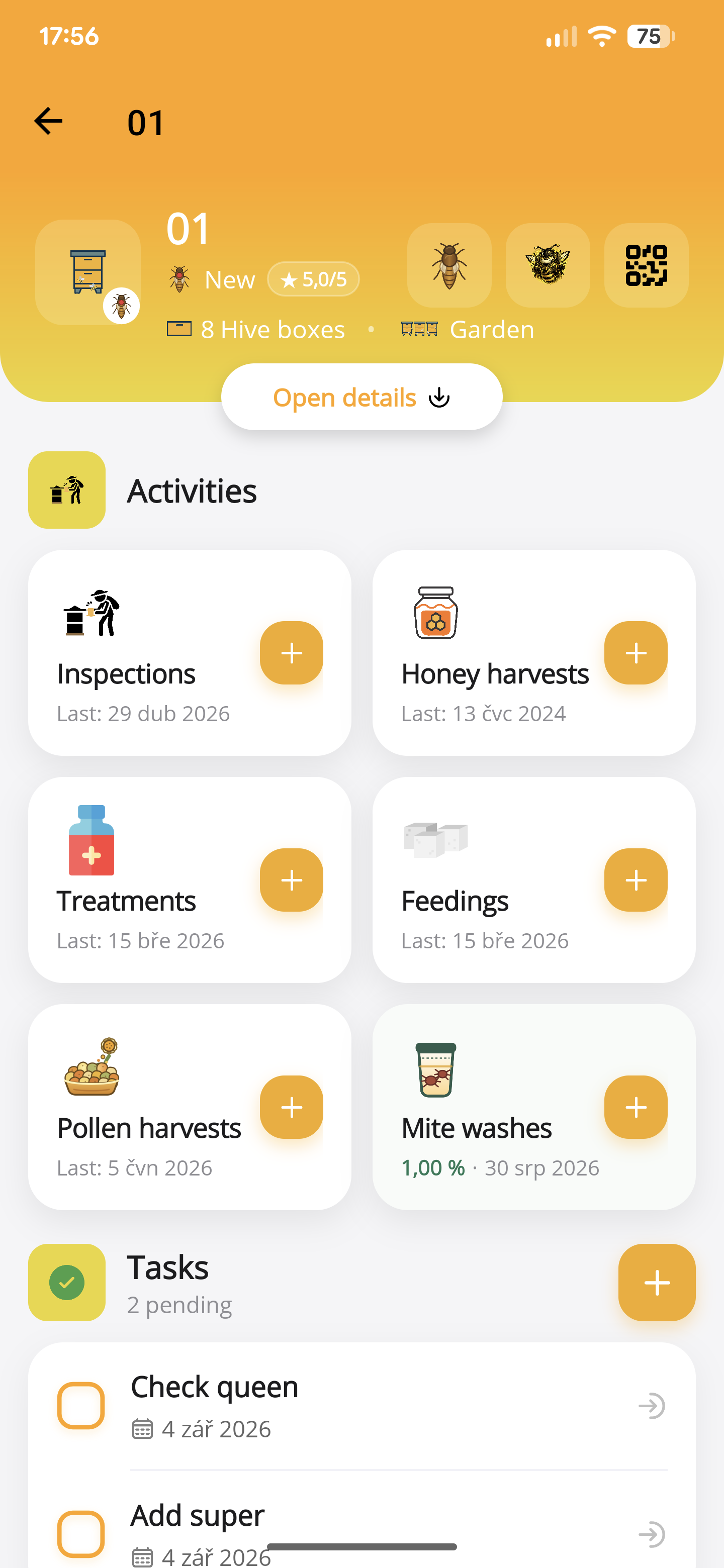
How to record a hive inspection in ApiNote
Keep brood observations, stores, queen notes and follow-up work with the right hive. Learn the manual and voice inspection workflow in ApiNote.
Updated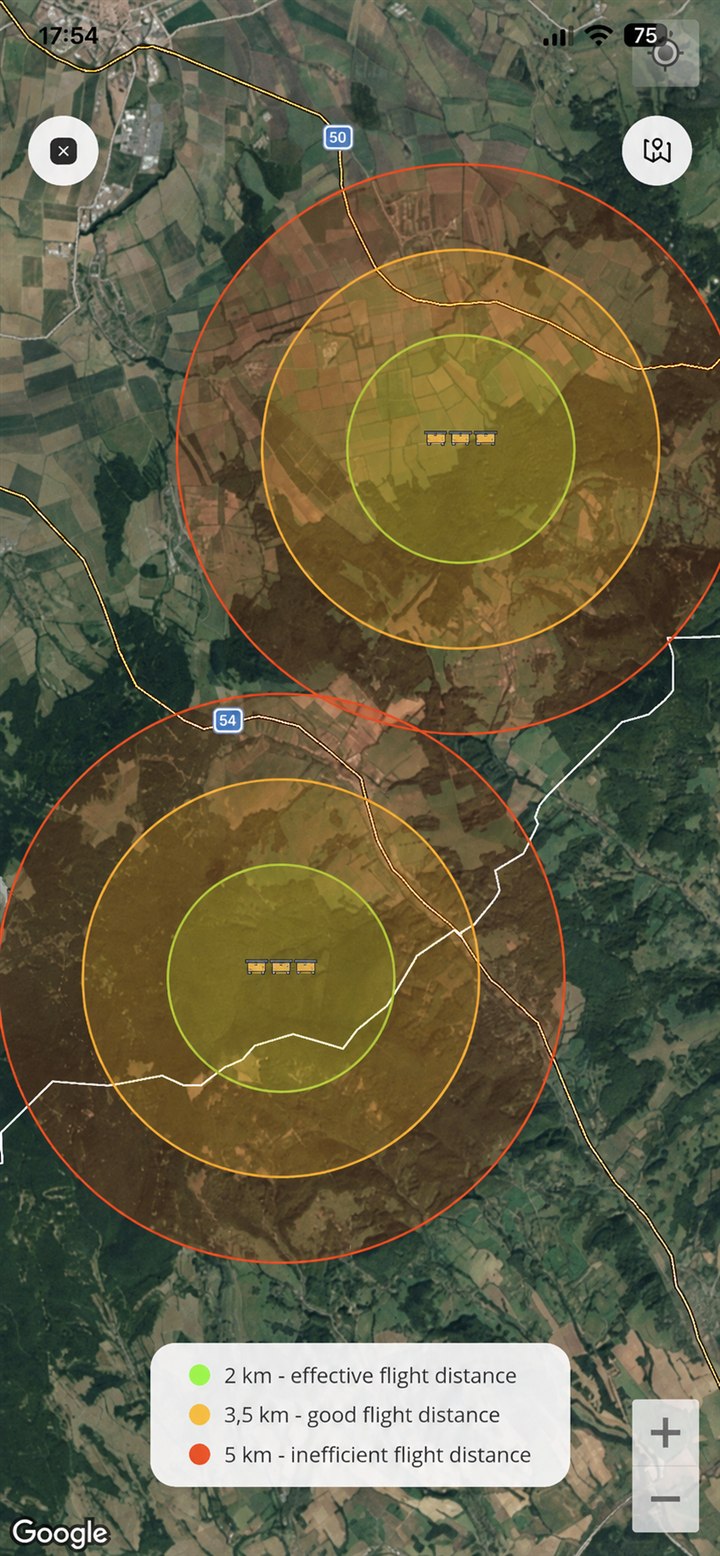
Use QR hive labels and apiary maps in ApiNote
Generate hive QR labels, identify the right colony and add apiary locations in ApiNote. Understand what the flight-range map does—and does not—show.
Updated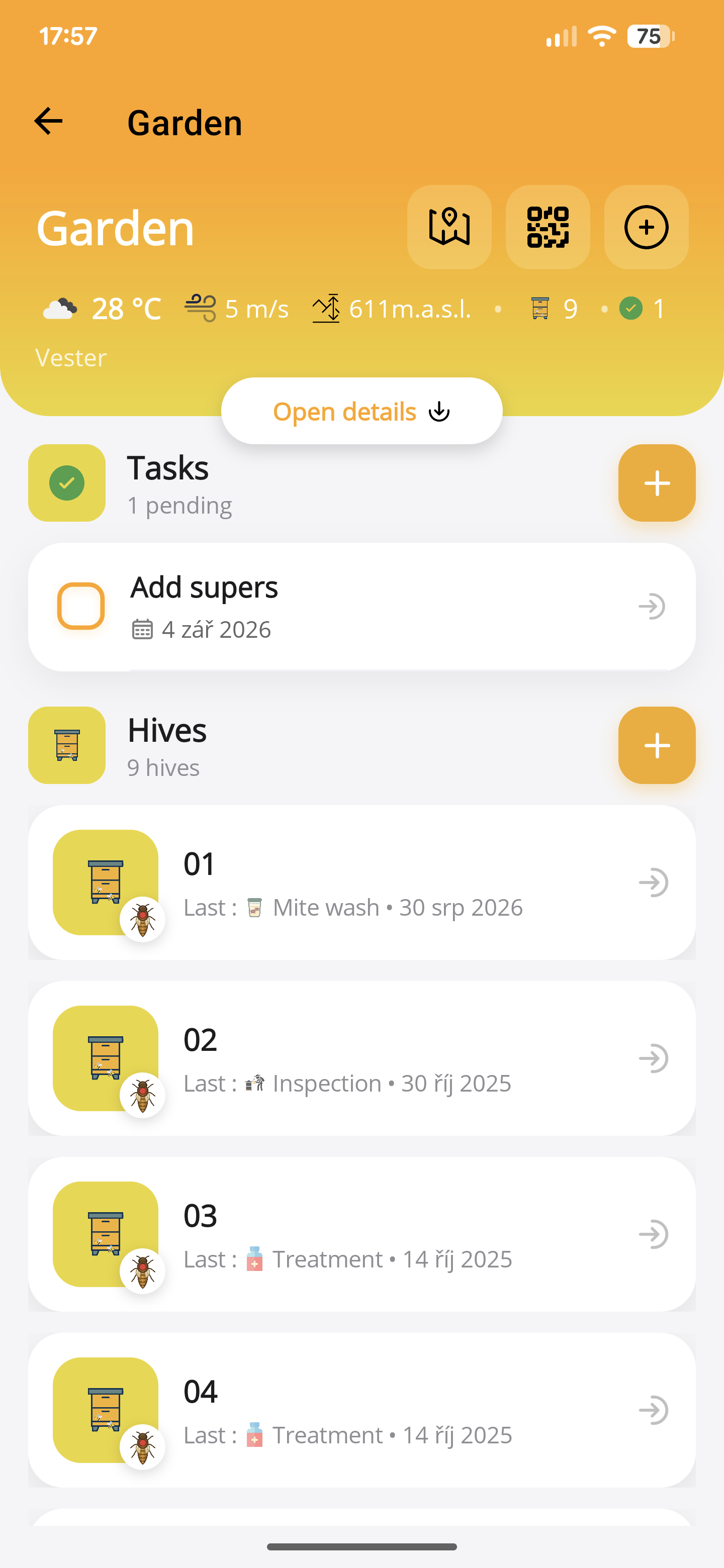
Plan an apiary visit with ApiNote tasks
Turn inspection notes into a focused apiary visit. Use hive-linked tasks, reminders, recent records and an equipment checklist to plan your work.
Updated