ApiNote · Hive QR codes
The right hive record. One scan away.
Several similar boxes should not mean several chances to choose the wrong record. A printed label gives the physical hive a clear route back to its history.
Free for up to 5 hives
01
Generate labels for your hives
Create QR output from the apiary tools, save it and print the labels you need.
02
Keep a readable identifier
Use the hive number alongside the code. A visible identifier remains useful when a label is dirty or the camera cannot read it.
03
Check, then record
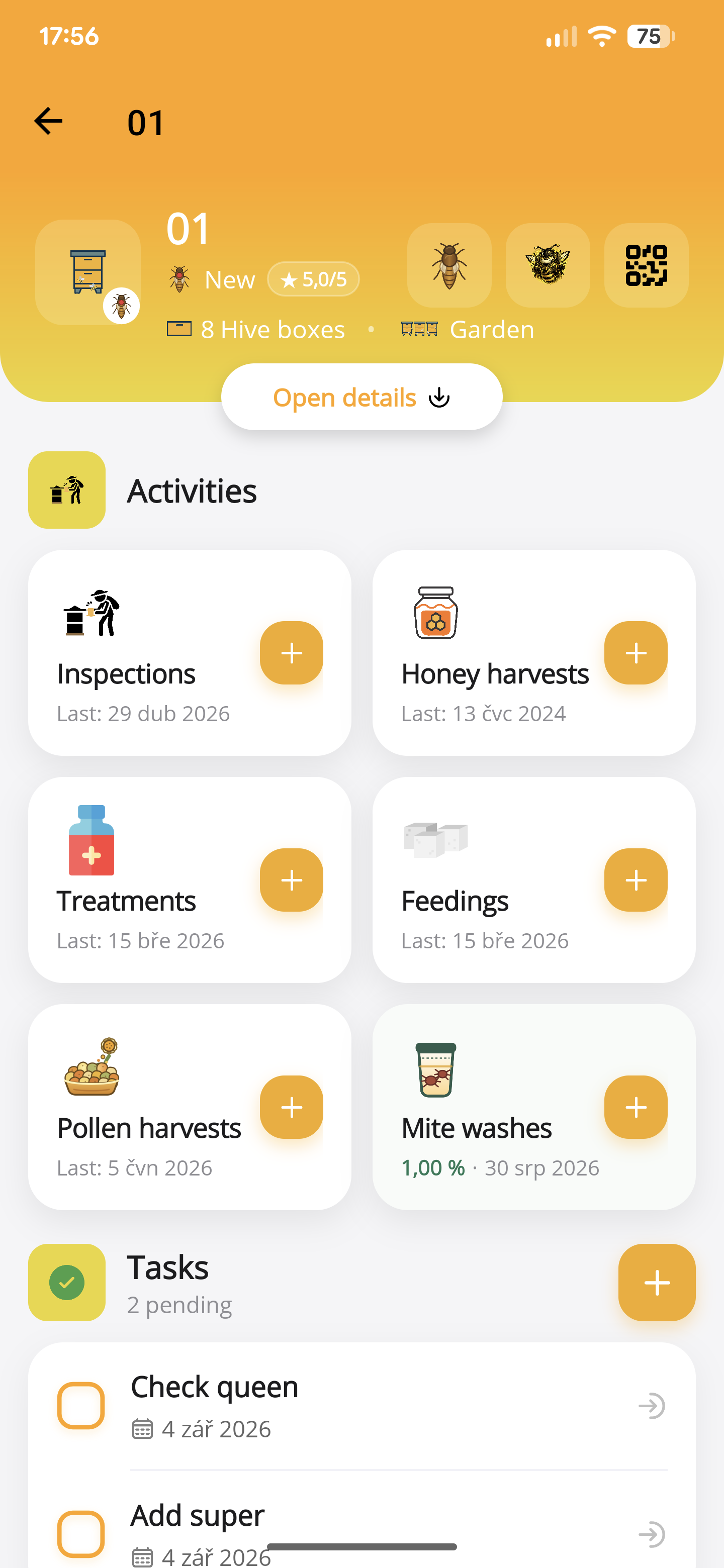
Scan through ApiNote and verify the selected hive before adding an inspection or another activity.
- Generate hive QR labels in the apiary and save the output.
- Print and test one label before preparing the full set; protect it from weather without obscuring the code.
- Use the app’s scan action, verify the hive and open the work you want to record.
Before you start
One important detail.
Should I still print the hive number?
Yes. Keep a clear human-readable identifier with the code and verify the physical hive before recording work.
A small first step for your next hive visit
Start with one hive. Keep up to five, free.
Download ApiNote, add your apiary, and make your first record. Build your hive history one visit at a time.
- Manage up to 5 hives
- Keep inspections and colony records together
- Try AI features with 5 credits every 7 days
No subscription needed for the free version. AI credits are shared across voice inspections and the AI assistants.
- 01Get the app
- 02Add your apiary
- 03Record your first visit
Find your next tool