ApiNote guides
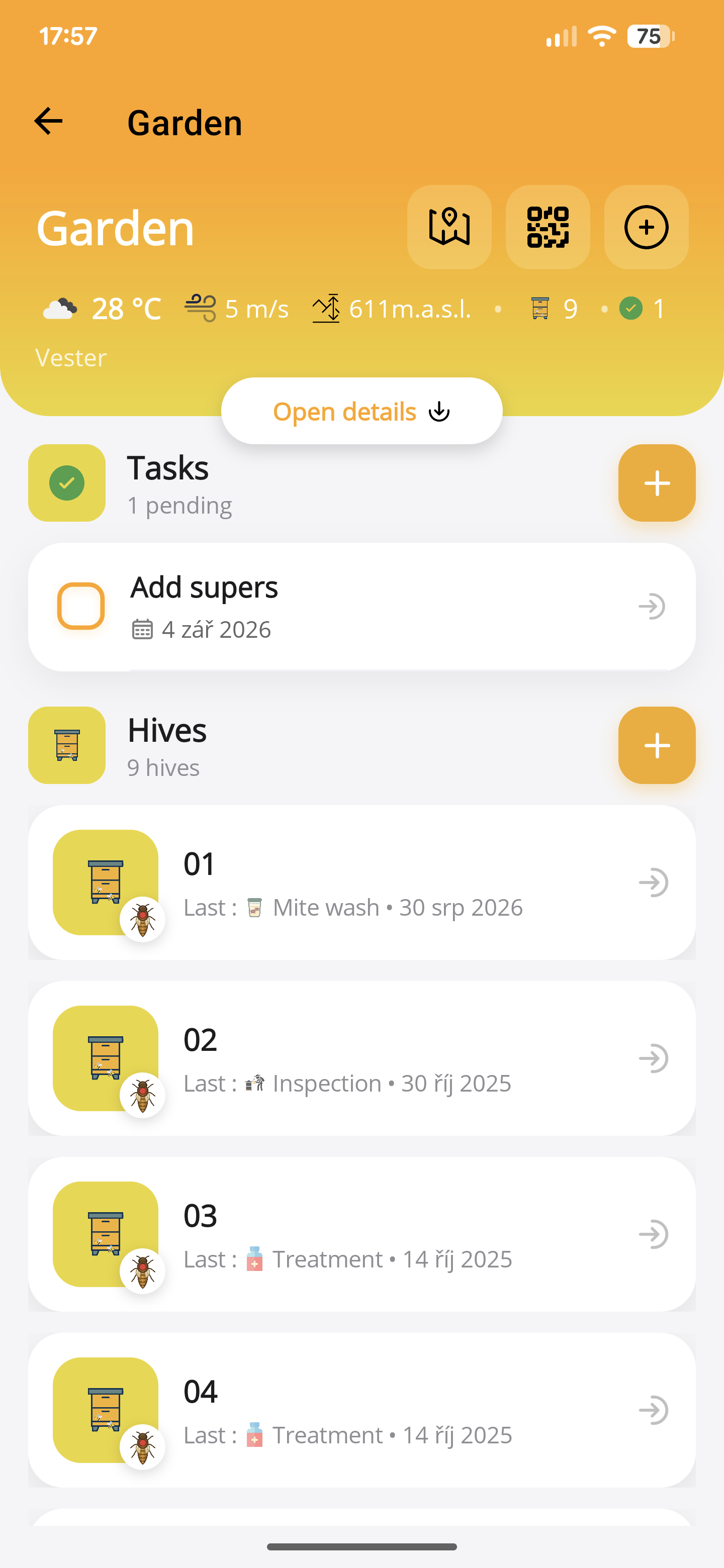
Plan an apiary visit with ApiNote tasks
The moment you discover that the spare queen cage is still at home is too late to improve your packing list. A little planning turns scattered inspection notes into a visit with a clear purpose.
Review the work before packing
Open the apiary and look at outstanding tasks alongside recent hive records. Separate urgent follow-ups from jobs that can wait for suitable weather. Review any product instructions separately if treatment work is involved.
Write a short packing list from those tasks. Hive tools, protective equipment and the required spare parts should follow the work you intend to do, not simply the contents of last week’s box.
Attach the task to its context
Create a task for the relevant hive or apiary and describe the next action. “Check whether the introduced queen is laying” is more useful than “Queen”. Add timing appropriate to your management plan.
For notification reminders, allow the required device permission and check the phone’s notification settings. Delivery depends on those settings and the operating system; a reminder is not a guaranteed alarm.
Work through the visit, then update the record
At each hive, confirm the identifier and read the previous observation. Record what you did in the correct activity and mark a task complete only when the work is actually done.
If a job cannot be completed, update the next step. A visit postponed by weather should not leave an apparently completed treatment in the history.
- Confirm the hive before recording.
- Keep observations and completed work separate.
- Record supplies used in the appropriate activity.
- Leave a dated next action for unresolved work.
Close the loop after the trip
Check the saved activities and unresolved tasks while the visit is still fresh. ApiNote’s cloud-backed records help keep the history connected, but that does not mean every local attachment has been uploaded.
The original 2024 article discussed sharing one account. This guide does not recommend sharing passwords or claim that ApiNote provides team roles and individual permissions. Use your own account and share selected exports when appropriate.
ApiNote · iOS & Android
Good notes make the next visit easier.
Give every colony a history you can find again. ApiNote is available for iOS and Android, free for up to five hives.
Compare Free & ProKeep exploring
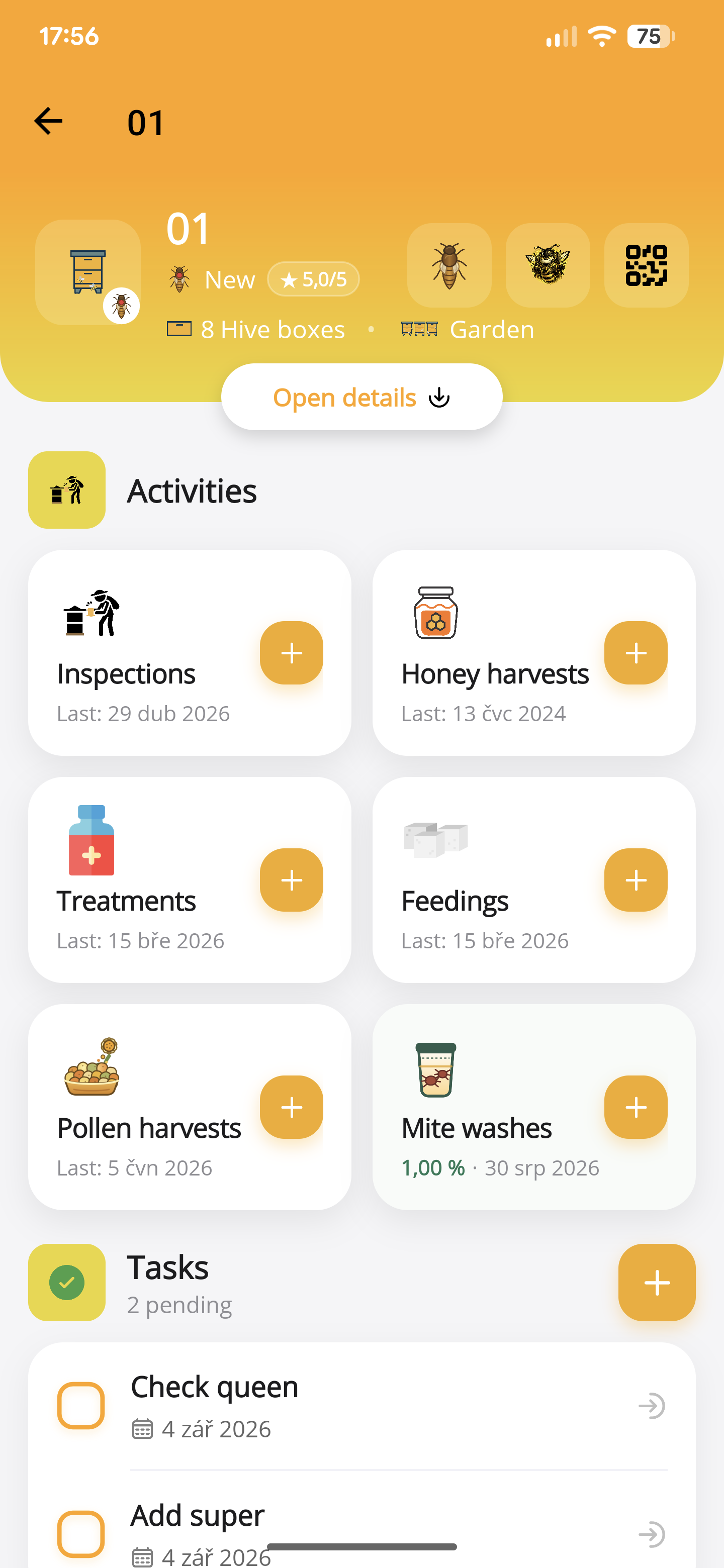
How to record a hive inspection in ApiNote
Keep brood observations, stores, queen notes and follow-up work with the right hive. Learn the manual and voice inspection workflow in ApiNote.
Updated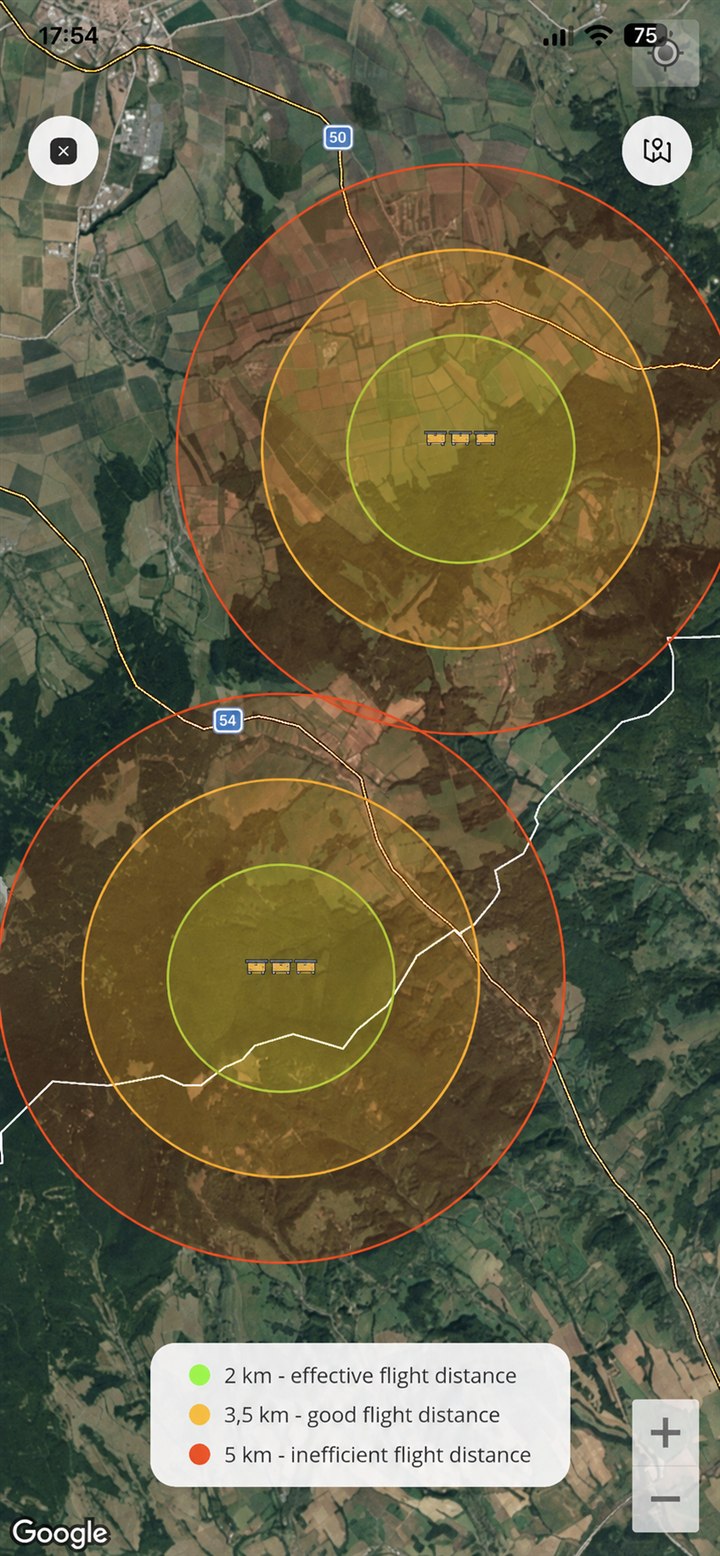
Use QR hive labels and apiary maps in ApiNote
Generate hive QR labels, identify the right colony and add apiary locations in ApiNote. Understand what the flight-range map does—and does not—show.
Updated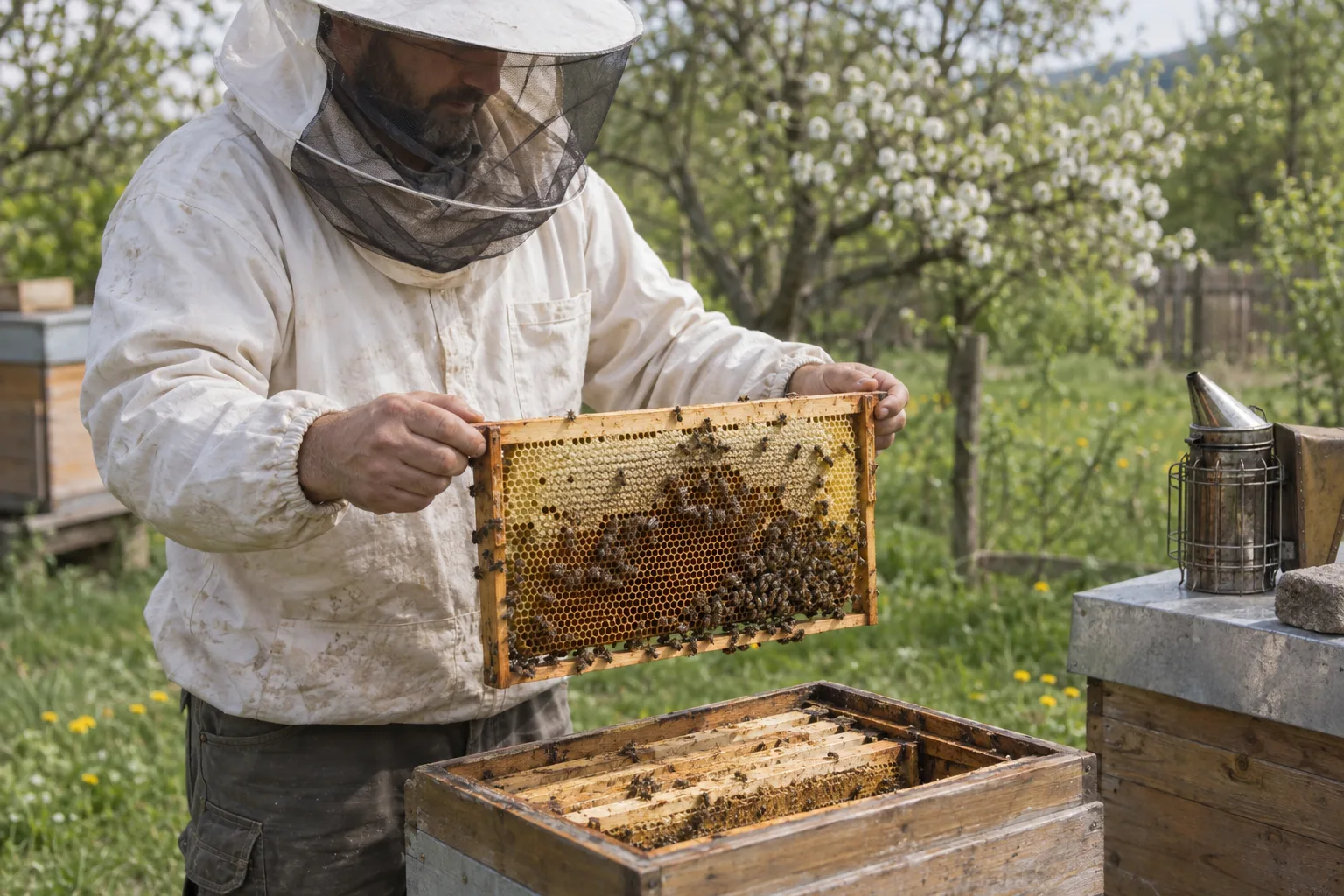
What to record in a beekeeping logbook
A practical hive record checklist: inspections, queens, feeding, treatments, mite counts and harvests, with clear next actions for your next apiary visit.
Updated