ApiNote guides
How to record a hive inspection in ApiNote
The best inspection note is the one that helps you make the next decision. ApiNote keeps the observation with the hive, alongside the other work you have recorded for that colony.
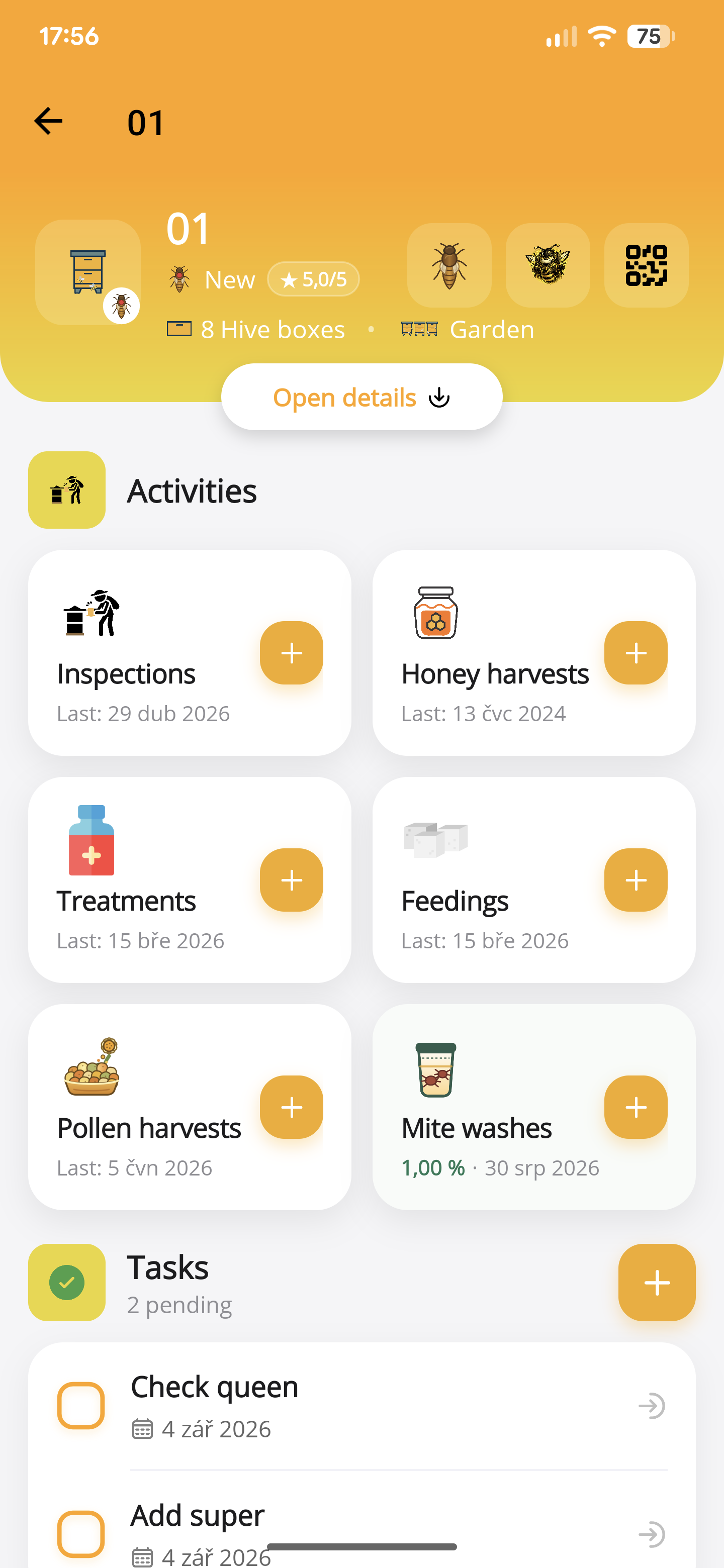
Start by opening the right hive
Choose the apiary and hive before entering an inspection. Check the identifier against the physical box. If you use Pro QR tools, scanning the hive label is another way to reach the relevant record.
Look at the previous inspection and outstanding work first. This gives the visit a purpose: checking queen acceptance, reviewing stores or following up an observation.
Record observations, not conclusions you cannot verify
Add an inspection from the hive’s activities. Use the available fields for what you checked and add notes where the situation needs context. Distinguish “queen seen” from evidence such as eggs: those are different observations.
A short note can still be precise. For example: “Fresh eggs seen; food stores need another check after the forecast rain.” This is a fictional example of wording, not a diagnosis or a feeding recommendation.
- Date and the correct hive.
- Brood and queen observations.
- Stores, strength and anything unusual.
- Work performed and what should be checked next.
Use voice when it suits the visit
Open the voice assistant for the selected apiary and hive, record your visit, then stop the recording to prepare the drafts. Say what you saw, which work you completed and what you want to do later. ApiNote separates inspection details, feeding, treatments, honey harvests, pollen harvests, mite washes and follow-up tasks instead of leaving them all in one note.
For example: “Queen seen, eggs present. No queen cells. Added one kilogram of fondant. Next week, check the food stores.” This is example wording, not a recommendation to feed. Review the inspection, feeding and task individually: check the proposed date, feed name, quantity and reminder setting before selecting the drafts to save.
Reminders start enabled unless you explicitly ask for no reminder; your phone also needs notification permission. Check any relative date before saving. Current weather is added to today’s inspection using the apiary’s location when weather data is available.
Voice and AI tools share five free credits every seven days; Pro includes unlimited use under the current in-app offering. An internet connection and microphone access are needed for cloud AI processing. Manual entry remains available.
Say the details you want to keep
Be specific about names, amounts, units and dates, but do not fill gaps with guesses. The drafts remain editable. Background noise and ambiguous wording can cause errors, so always compare the results with what you meant.
- Inspection: queen and eggs seen, queen cells and their type, brood pattern, colony strength, stores, and additions or removals of boxes, foundations and drawn combs. State your own numeric queen ratings if you want to record them; “calm” is not automatically converted to a score.
- Feeding: say the feed name, weight, any syrup ratio and feeding method. Fondant, syrup and pollen patties are distinct. A volume in litres stays in the notes; supply the mass in review instead of relying on an assumed density.
- Honey and pollen: describe a completed harvest and its weight. Add honey type or water content, or pollen colour and botanical origin, when known. Pollen collected from a trap is different from pollen being brought in by bees or fed to the colony.
- Treatments: name the completed treatment, product, dose, units, method and recorded mite fall. Future work belongs in a task, not a record of work already completed. Voice entry is documentation, not a treatment recommendation.
- Mite washes: give the alcohol or low-sudsing-soap method, actual sample size and mite count, plus the context before or after treatment. The app calculates the percentage from the counts; missing values need review. A sugar roll or sticky-board count is not an alcohol or soap wash.
- Tasks: state each action and its deadline separately. You can plan several tasks in one recording and check the date and reminder on each draft.
Check each draft before saving
Expand the proposed records, correct misunderstood speech and fill in required details. Select only the entries you want to keep, then confirm. Nothing is saved just because you have finished speaking.
One recording can prepare different activity types and several tasks. When you describe multiple separate events of the same type, the first is drafted and the additional details appear in review notes for separate entry. Do not assume every repeated feeding or harvest has been saved; check the resulting hive history.
Attach evidence, then plan the follow-up
Add a useful photo if it helps you compare an observation later. Current inspection attachments are stored locally on the device. A photo selected for the AI advisor is different: it is sent for that requested analysis.
Record treatment, feeding or harvest in the matching activity rather than hiding everything inside free text. Add a task when a check needs to happen later, then confirm the saved inspection appears in the hive’s history.
ApiNote · iOS & Android
Good notes make the next visit easier.
Give every colony a history you can find again. ApiNote is available for iOS and Android, free for up to five hives.
Compare Free & ProKeep exploring
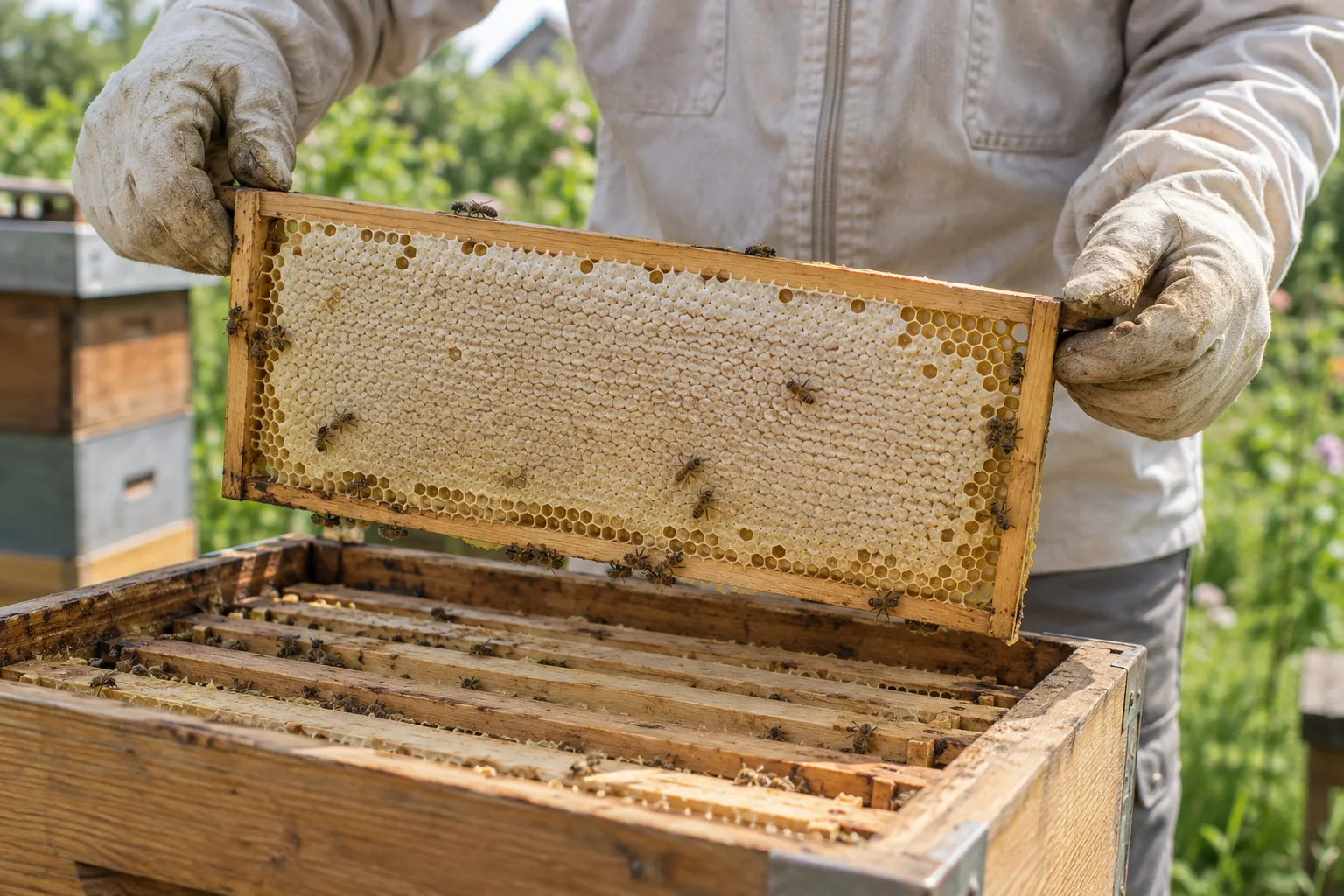
Make sense of your beekeeping statistics
Compare honey harvests and colony records without confusing missing data with poor performance. A practical guide to using ApiNote statistics and CSV export.
Updated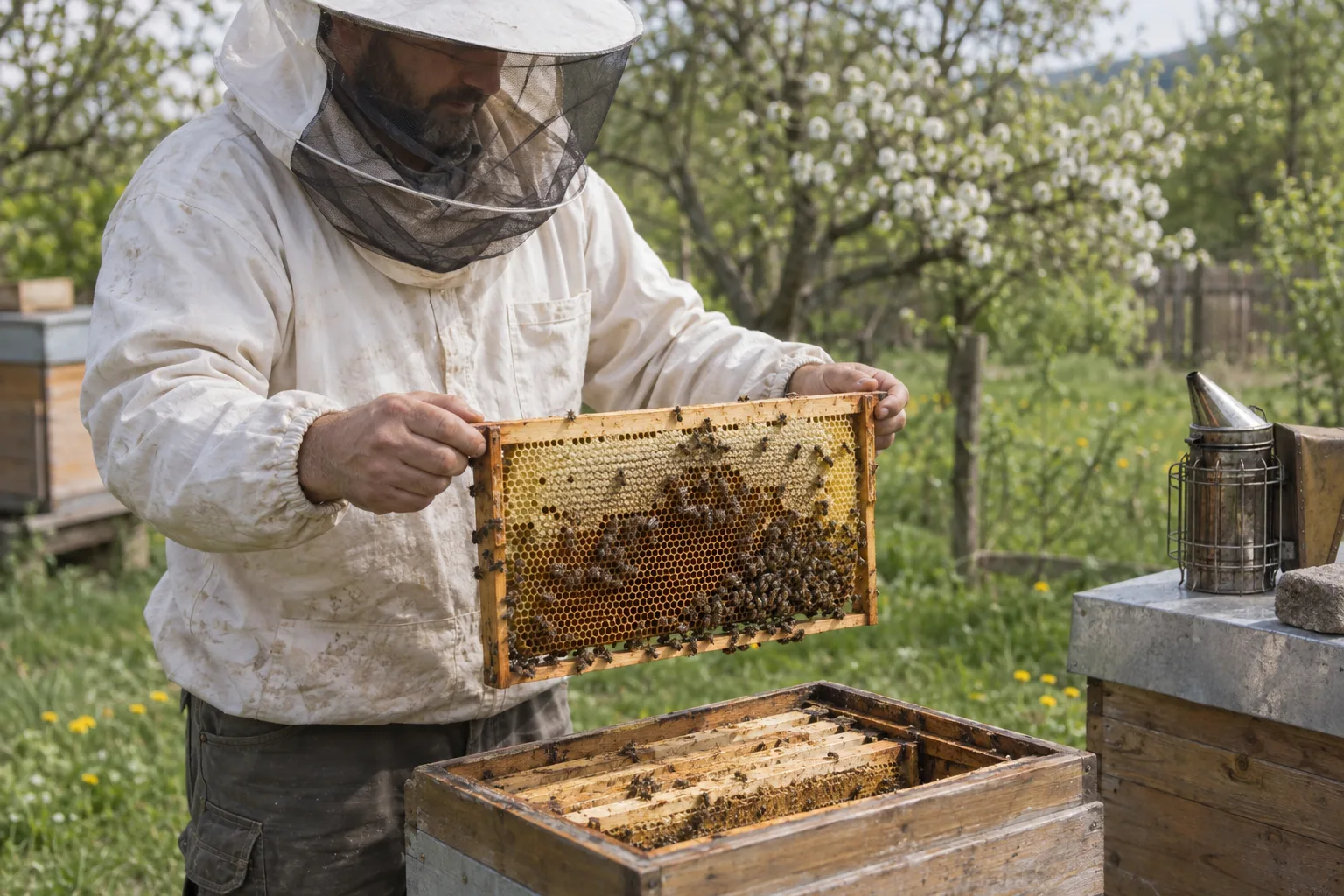
What to record in a beekeeping logbook
A practical hive record checklist: inspections, queens, feeding, treatments, mite counts and harvests, with clear next actions for your next apiary visit.
Updated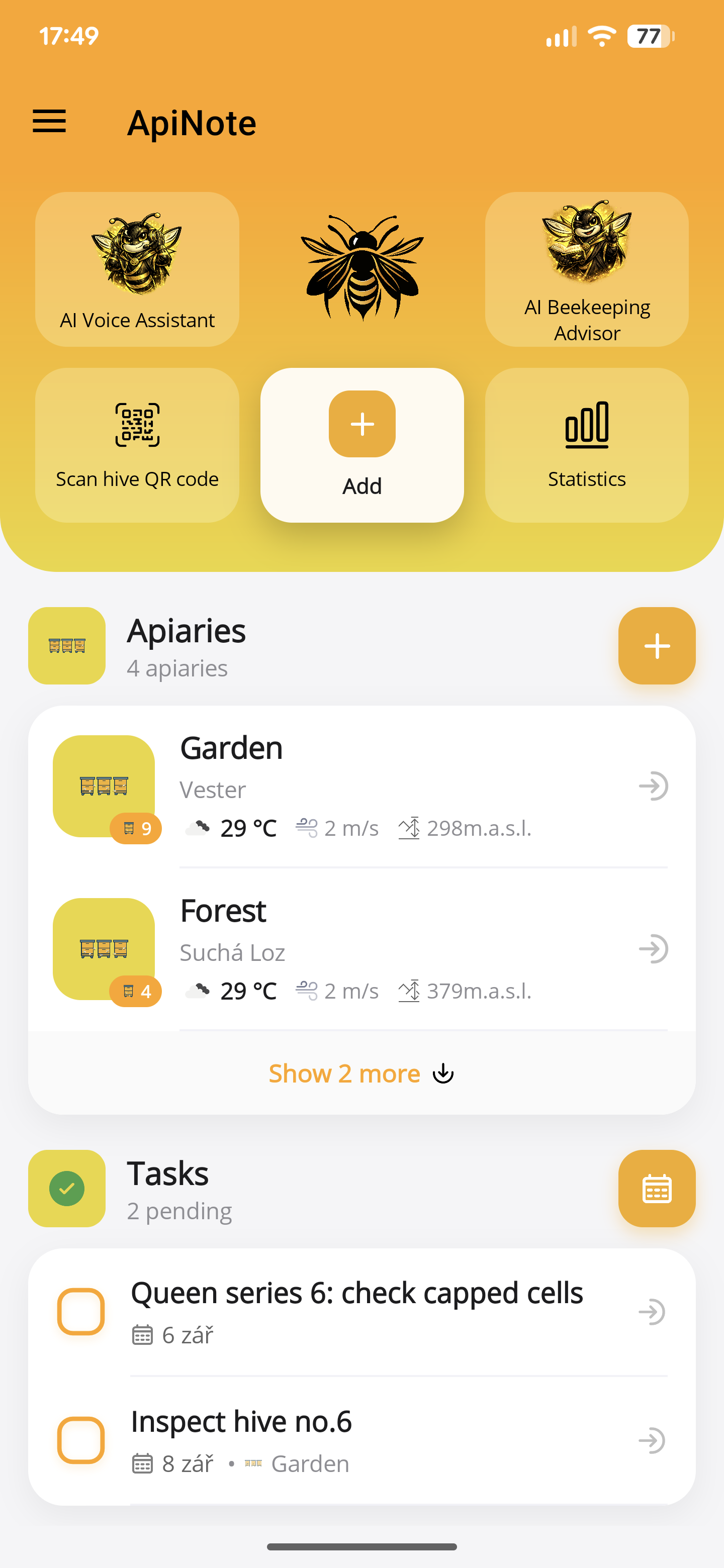
Your first apiary in ApiNote: a practical setup guide
Set up your apiary, add your first hives and save an inspection in ApiNote. A practical introduction to the free beekeeping app for iOS and Android.
Updated