ApiNote guides
How to create a queen-rearing series in ApiNote
Keep a rearing series connected to its breeder queen, cell-builder colony and upcoming checks. This guide takes you from the new-series form to a saved development timeline with optional calendar tasks.
Before you start
Have the cell-builder colony recorded as an active hive in an apiary. You will also need the breeder queen’s identity, the date you inserted the series, and the stage and estimated age of the transferred brood.
This is a guide to recording and planning in the app, not a queen-rearing protocol. The timeline gives biological estimates, not guaranteed emergence dates.
1. Open “Create queen-rearing series”
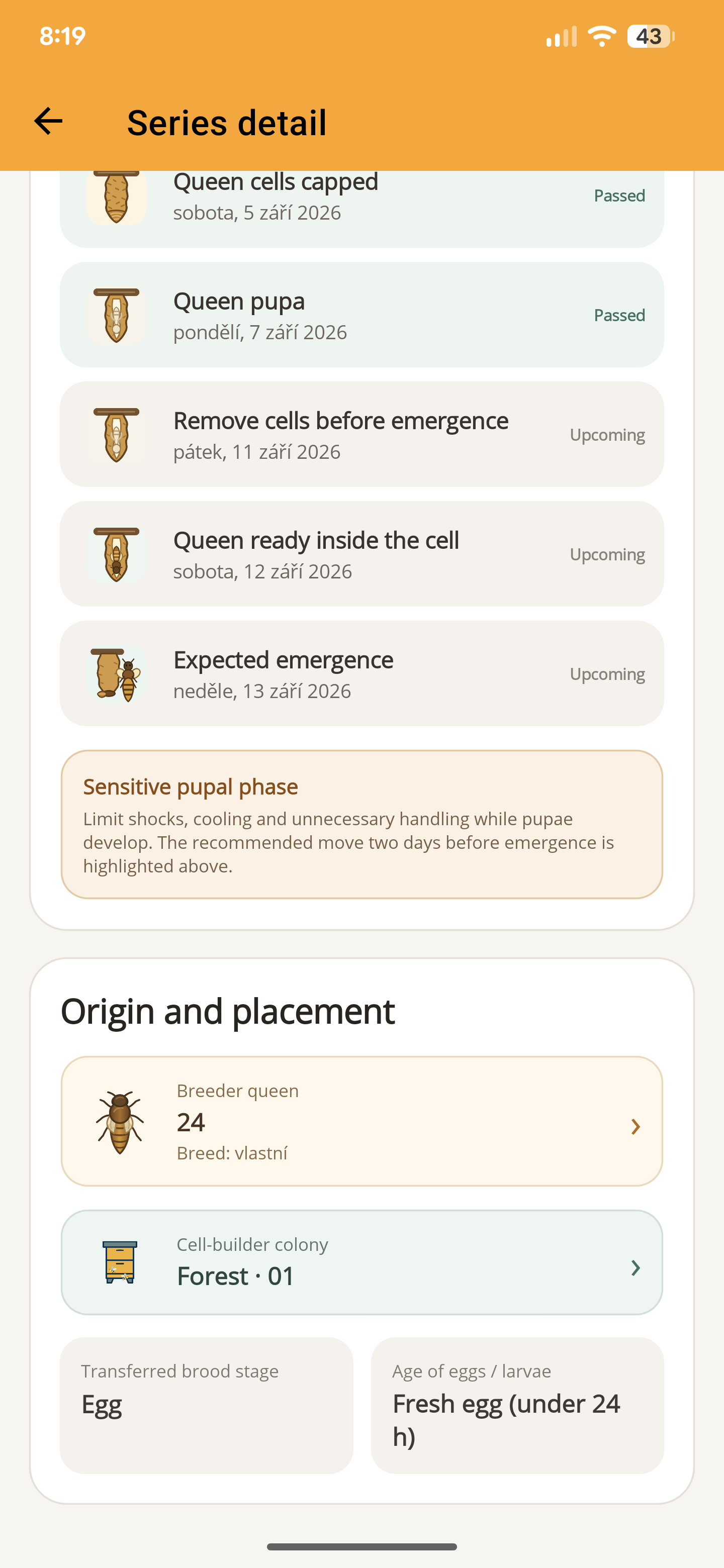
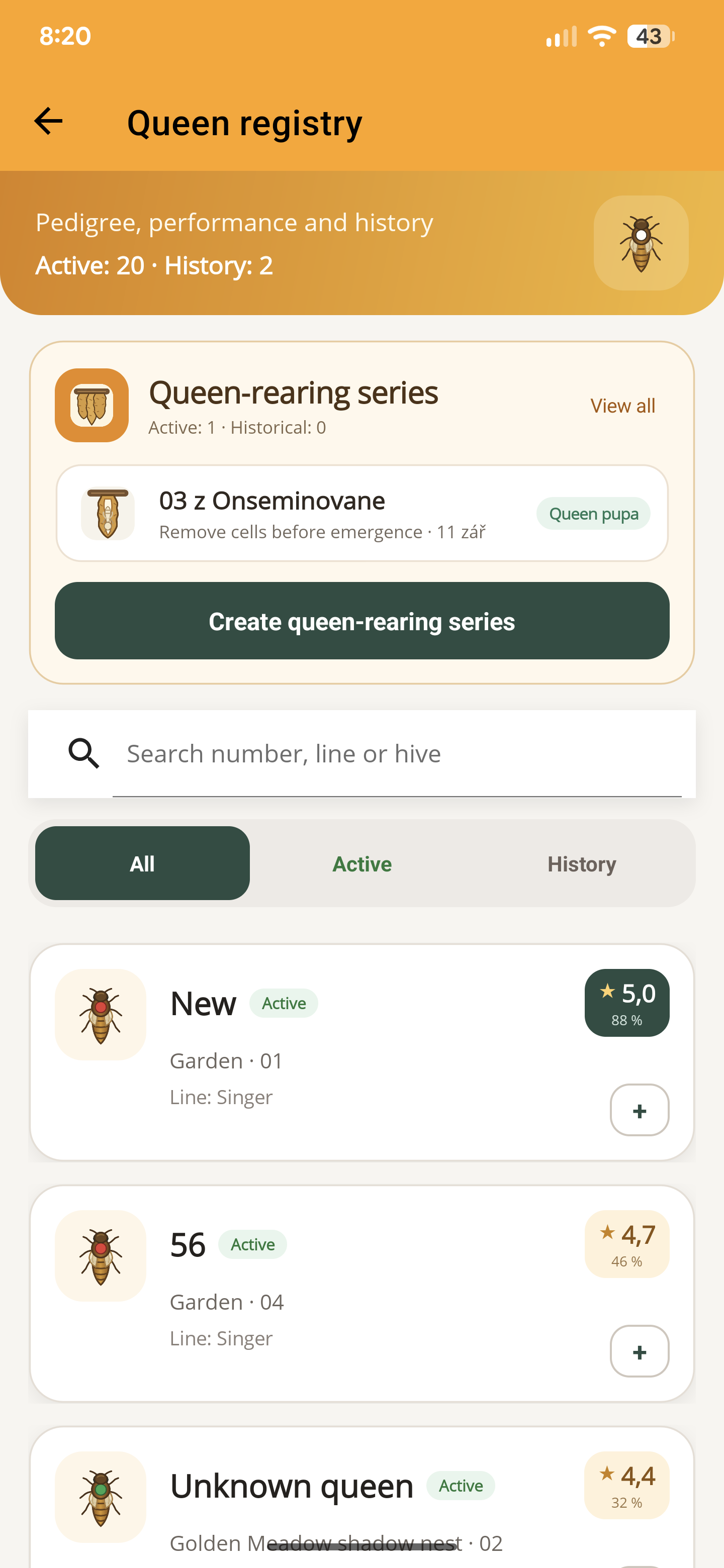
Open the side menu, choose “Queen registry”, then tap “Create queen-rearing series” in the rearing section. Give the series a recognisable name so you can distinguish it from later batches. If you leave the name empty, ApiNote supplies a date-based name when you save.
2. Choose the colony and breeder queen
Tap “Cell-builder colony”, choose the apiary and then the active hive where the series was inserted. This is the host colony, which may be different from the colony that supplied the brood.
Tap “Breeder queen” and choose the source queen. If she is not in your registry, use the manual-entry option and fill in “Name or identifier of breeder queen”. Both a host hive and a breeder queen identity are required to save.
3. Enter the insertion date and brood age
Set “Date the series was inserted” to the actual insertion date. Under “Transferred brood stage”, choose egg or larva, then select the corresponding “Age of eggs / larvae”. Do not substitute the date you are entering the record for the insertion date.
Check the estimated dates shown in the preview. Changing the date, stage or age changes the timeline. If you are uncertain about the brood age, record that uncertainty in the notes instead of treating the estimate as exact.
4. Add only the counts you know
The fields “Cups started”, “Cells accepted”, “Cells capped” and “Queens emerged” are optional. You can start with the number of cups and add later outcomes by editing the series.
Leave an unknown outcome blank. Zero means you recorded none. When entering a later-stage count, also enter the preceding counts: accepted cannot exceed started, capped cannot exceed accepted, and emerged cannot exceed capped. ApiNote checks this sequence before saving.
5. Choose the calendar checks you want
In the calendar-task section, enable the milestones you want to follow. Read the date beside each switch before saving. Milestones whose estimated dates have already passed cannot be selected for a new task.
- Check series acceptance.
- Check capped queen cells.
- Remove or distribute queen cells.
- Expected queen emergence.
6. Save and open the series detail
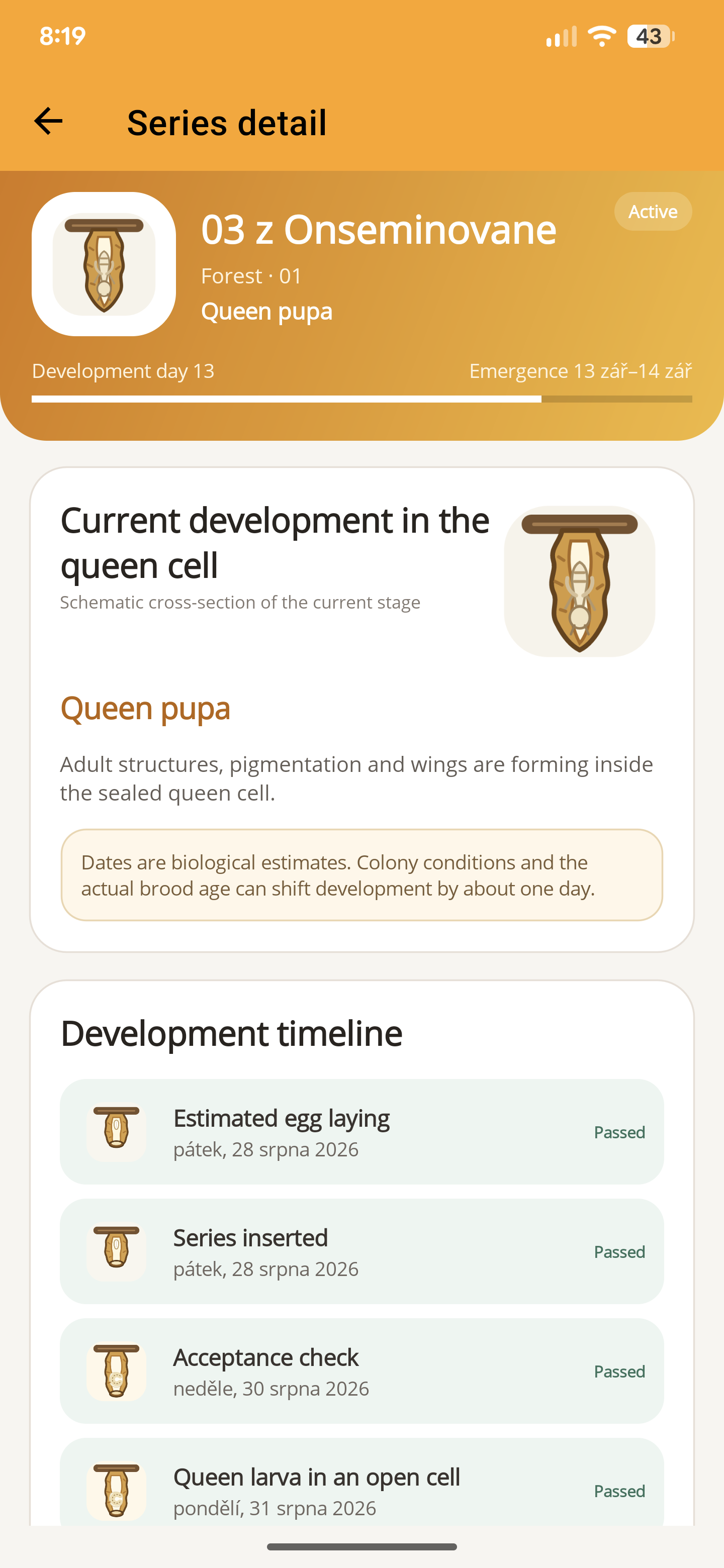
Tap “Save”, return to the queen registry and open the series. The detail brings together its current estimated stage, development timeline and origin. Review those details before relying on the planned dates.
Selected milestones are linked to the in-app calendar. If notification permission is denied, the tasks can still be created without phone notifications. Check the calendar yourself, and use the separate task guide if you want to configure a reminder.
ApiNote · iOS & Android
Good notes make the next visit easier.
Give every colony a history you can find again. ApiNote is available for iOS and Android, free for up to five hives.
Compare Free & ProKeep exploring
How to compare queens side by side in ApiNote
Select two to four queens in ApiNote and compare brood pattern, temperament, colony strength and recorded evidence. A step-by-step queen registry guide.
Updated
How to create a hive task and reminder in ApiNote
Turn a follow-up check into an ApiNote task. Choose the hive, set a date and optional phone reminder, then mark the work complete in your calendar.
UpdatedYour first apiary in ApiNote: a practical setup guide
Set up your apiary, add your first hives and save an inspection in ApiNote. A practical introduction to the free beekeeping app for iOS and Android.
Updated