ApiNote · Tasks & reminders
Leave the apiary with a next step.
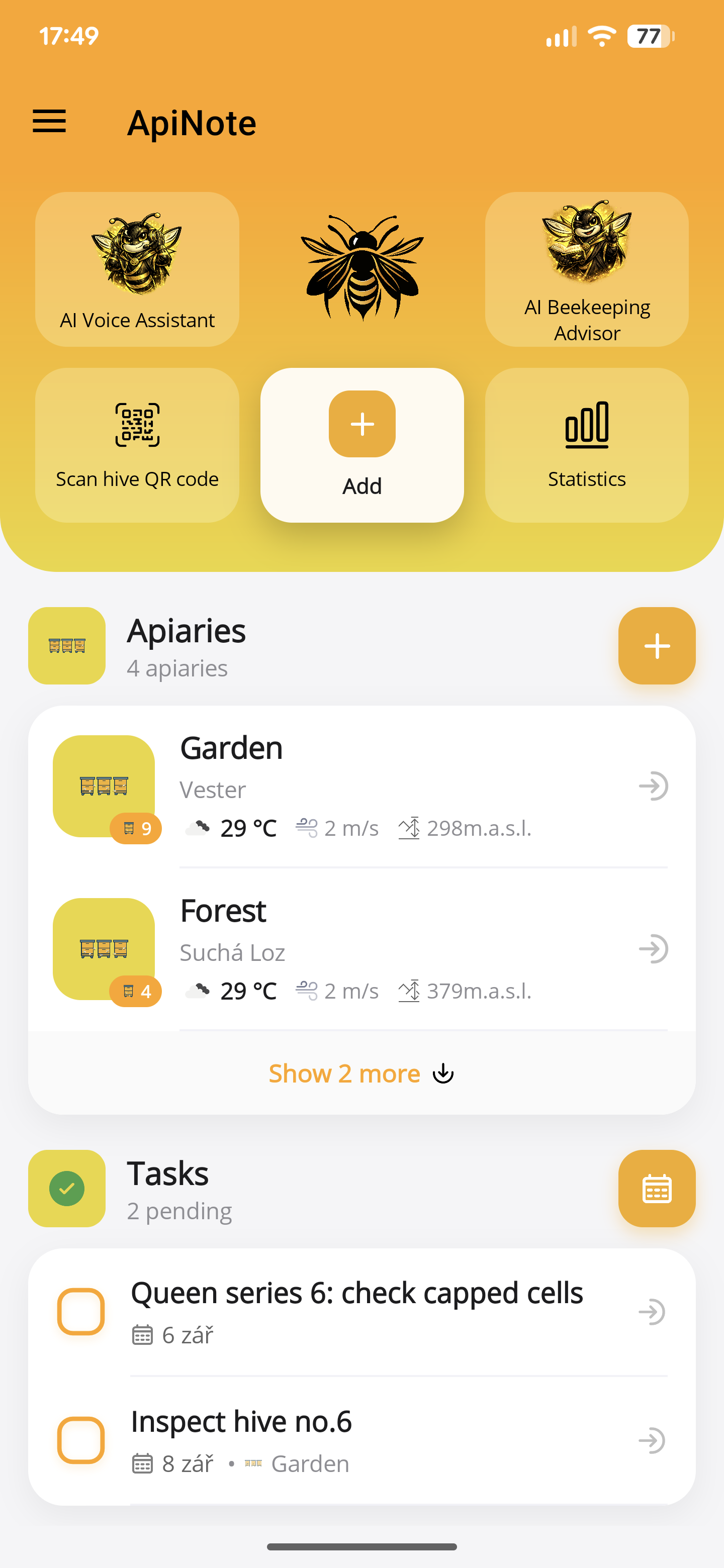
A note records what happened. A task makes the next action explicit. Keep both connected to the colony or site they concern.
Free for up to 5 hives
01
Make the action specific
Replace “queen” with a clear follow-up such as checking a recorded introduction. Keep the reason in the hive history.
02
Plan by hive or apiary
Organise work around its context so you can prepare the right equipment before travelling to a site.
03
Use device reminders
Set up reminders and allow the required notification permissions. Review the task list as well as relying on notifications.
- Create the task and attach it to the relevant hive or apiary.
- Set the appropriate timing and enable notification permissions if you want reminders.
- After the visit, record the work and complete or update the task.
Before you start
One important detail.
Do I still need to check notification settings?
Yes. Permissions and system restrictions affect reminder delivery. Keep reviewing the task list for important work.
A small first step for your next hive visit
Start with one hive. Keep up to five, free.
Download ApiNote, add your apiary, and make your first record. Build your hive history one visit at a time.
- Manage up to 5 hives
- Keep inspections and colony records together
- Try AI features with 5 credits every 7 days
No subscription needed for the free version. AI credits are shared across voice inspections and the AI assistants.
- 01Get the app
- 02Add your apiary
- 03Record your first visit
Find your next tool