ApiNote · Statistics & export
Make the season’s records useful.
Which entries explain this year’s crop? What changed at a site? Use your recorded activities to ask more informed questions.
Free for up to 5 hives
01
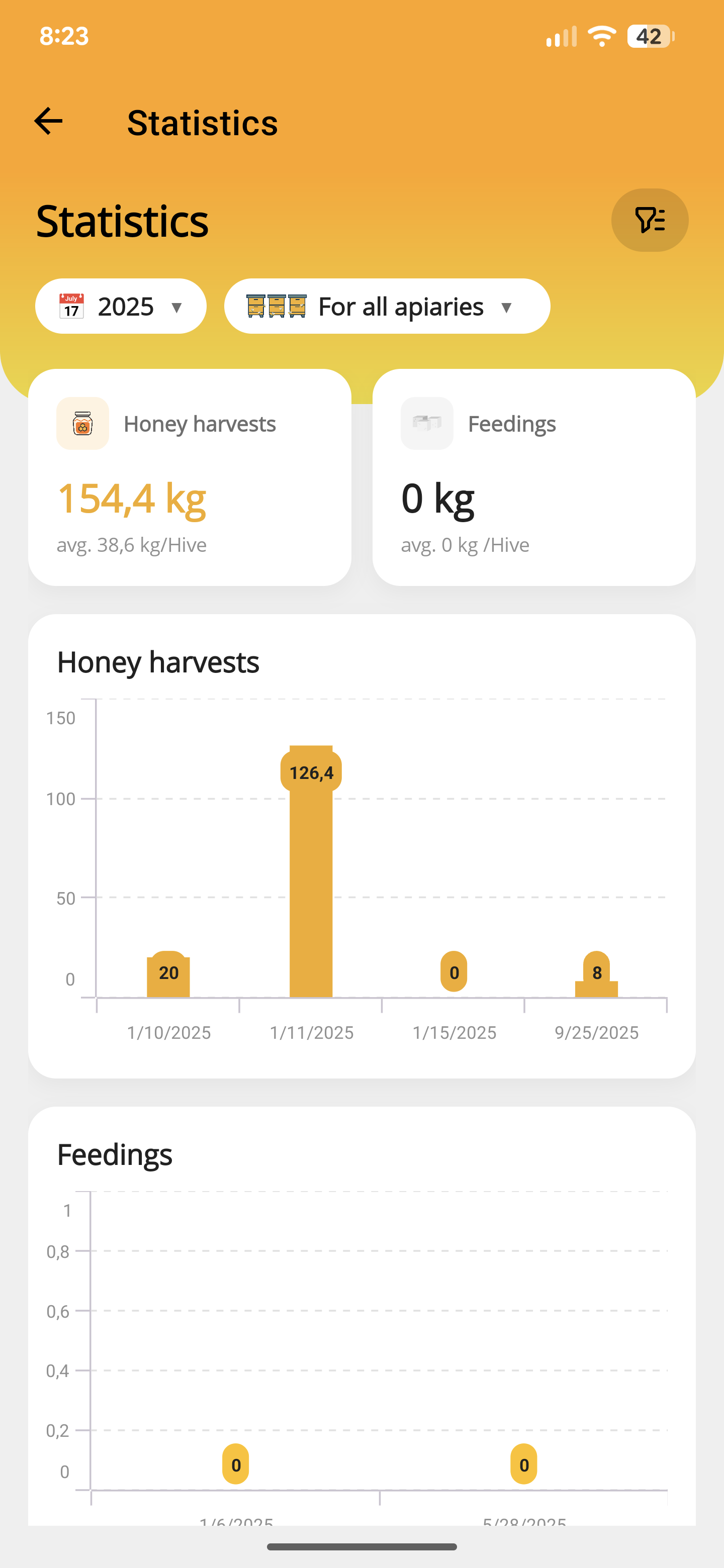
See what you recorded
Review statistics from saved data. Check missing entries and dates before interpreting a comparison.
02
Keep the context nearby
Look at queen changes, splits and other activities alongside the figures. Different starting points deserve different interpretations.
03
Continue in a spreadsheet
Export selected data as CSV files. Share the generated files or ZIP from your device to the destination you choose.
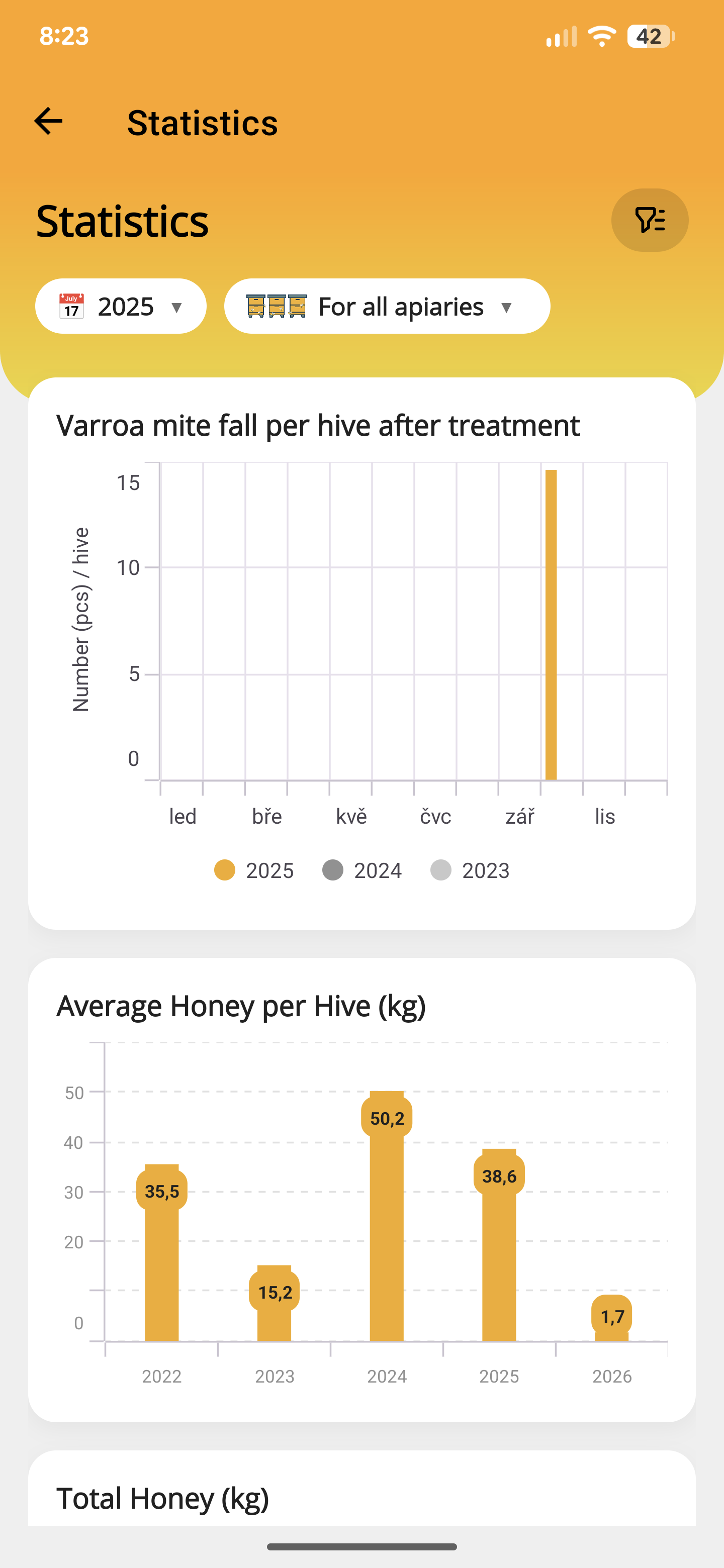
Look beyond a single harvest
Review recorded mite fall and compare average honey per hive across years. Use the trends as a starting point, then check the underlying colony records.
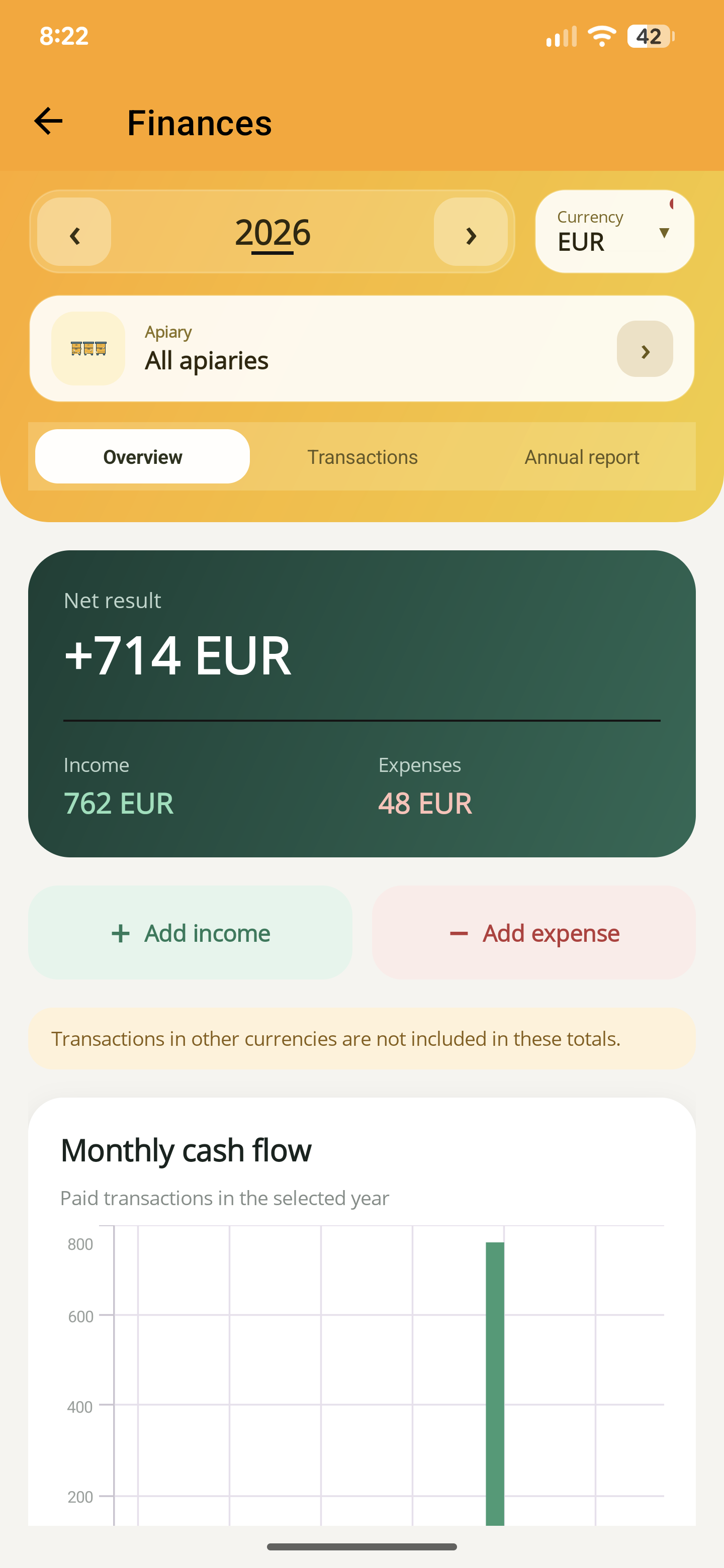
Know your income and costs
Record income and expenses, then review the net result and monthly cash flow by year, currency and apiary. Different currencies are kept separate.
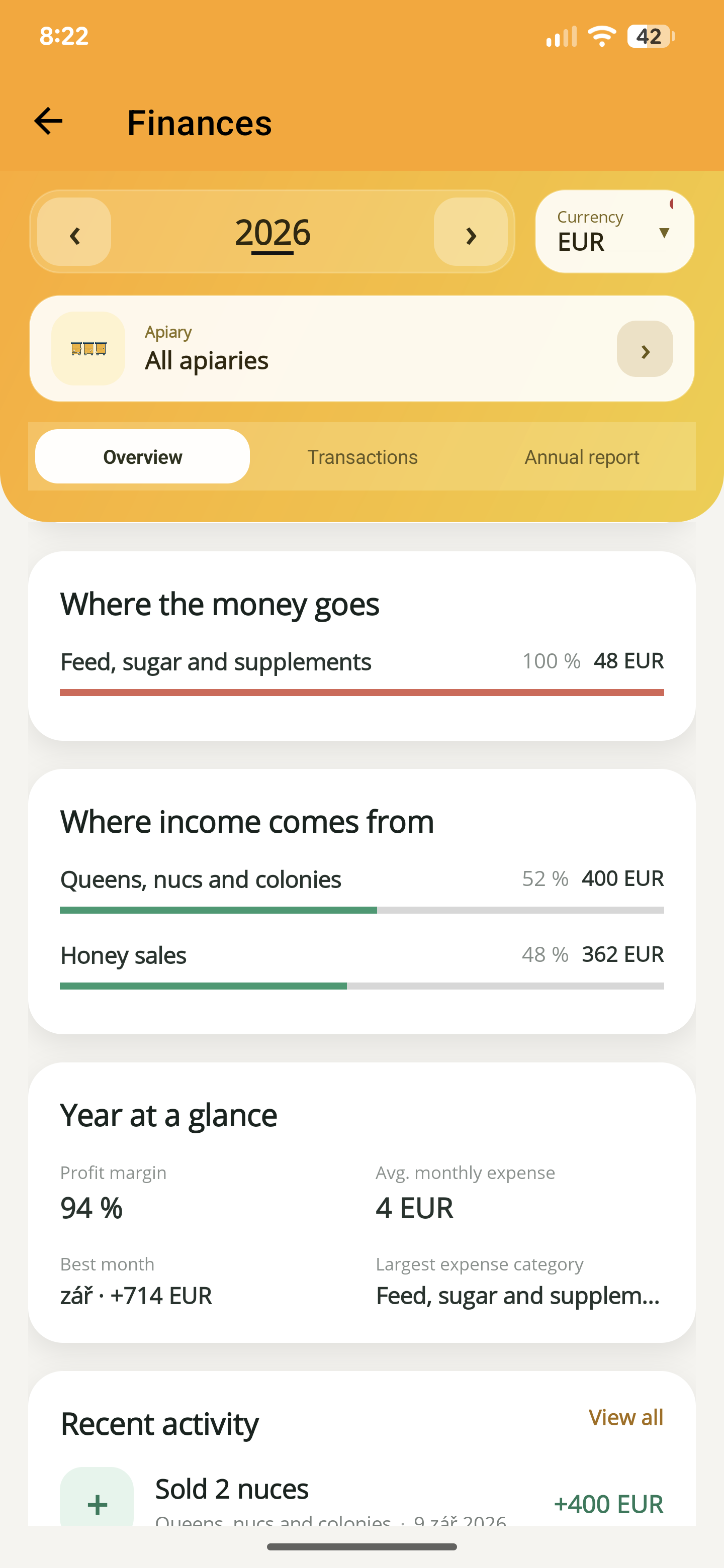
See where the money goes
See which categories account for your recorded costs and income, from feed purchases to honey or colony sales. The yearly summary brings the figures together.
- Keep activity dates, quantities and identifiers consistent.
- Open statistics and compare the figures with the relevant hive records.
- Export the datasets you need for a seasonal review or your own analysis.
Before you start
One important detail.
Can I take my records out of the app?
Yes. Selected datasets are exported as CSV; multiple datasets are bundled in a ZIP. The files are created on your device and shared where you choose.
A small first step for your next hive visit
Start with one hive. Keep up to five, free.
Download ApiNote, add your apiary, and make your first record. Build your hive history one visit at a time.
- Manage up to 5 hives
- Keep inspections and colony records together
- Try AI features with 5 credits every 7 days
No subscription needed for the free version. AI credits are shared across voice inspections and the AI assistants.
- 01Get the app
- 02Add your apiary
- 03Record your first visit
Find your next tool