ApiNote · AI beekeeping advisor
A question in the apiary. A place to start.
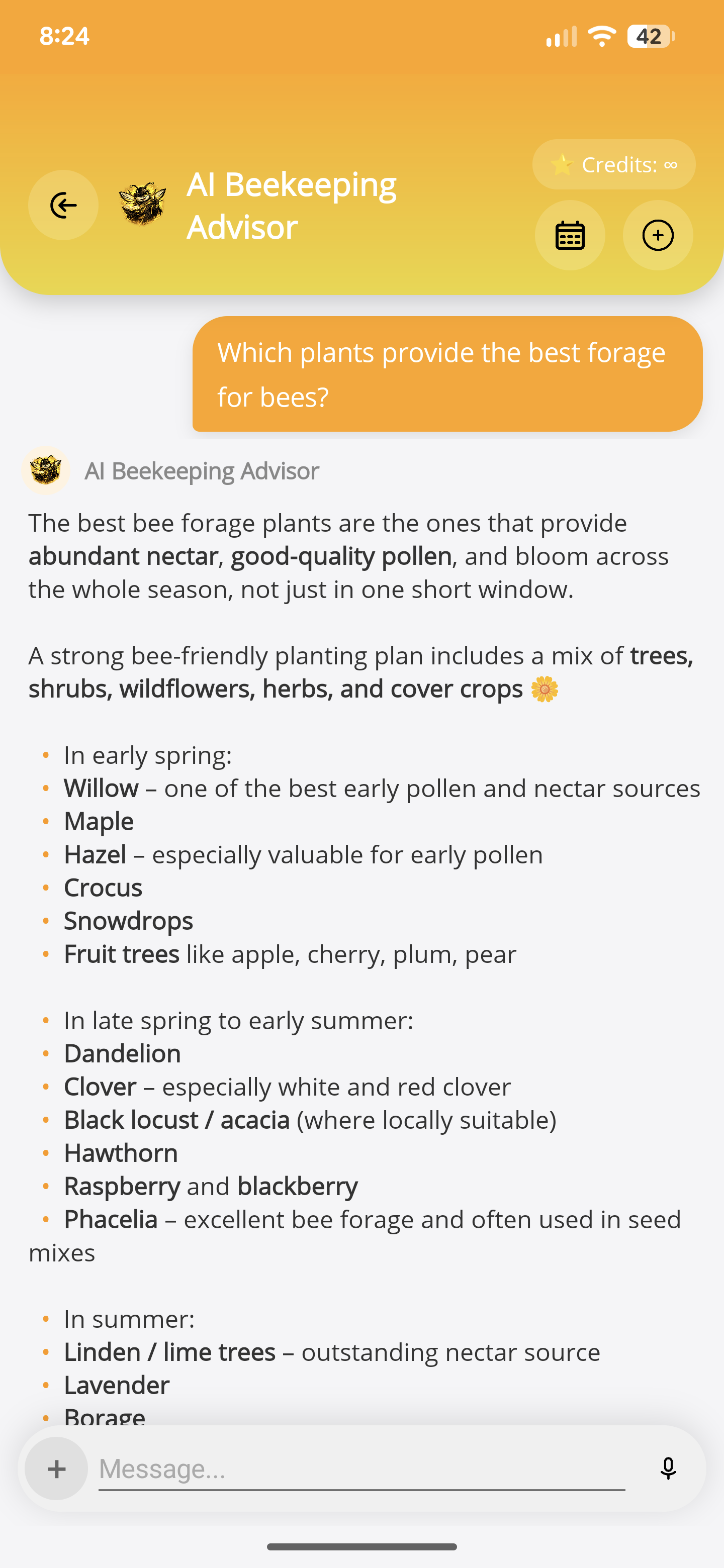
Use the in-app advisor to explore a beekeeping question while keeping its limits in view. The answer is a starting point to verify, not an authority over the colony in front of you.
Free for up to 5 hives
01
Ask in context
Put your question into words and include the practical details you choose to share.
02
Discuss a selected image
Send an image for the requested analysis when it adds useful context. Avoid including personal or sensitive information.
03
Keep your judgement
Check advice against observations, trusted sources and local guidance. For suspected disease or treatment choices, seek appropriate professional help.
- Open the AI beekeeping advisor and ask a specific question.
- Optionally select an image you are comfortable sending for cloud analysis.
- Review the answer critically and verify important decisions before acting.
Before you start
One important detail.
Are all my inspection photos sent to AI?
No. Current inspection attachments are stored locally. When you choose a photo for the advisor, that selected image is sent for the requested AI analysis. See the app privacy policy for details.
A small first step for your next hive visit
Start with one hive. Keep up to five, free.
Download ApiNote, add your apiary, and make your first record. Build your hive history one visit at a time.
- Manage up to 5 hives
- Keep inspections and colony records together
- Try AI features with 5 credits every 7 days
No subscription needed for the free version. AI credits are shared across voice inspections and the AI assistants.
- 01Get the app
- 02Add your apiary
- 03Record your first visit
Find your next tool